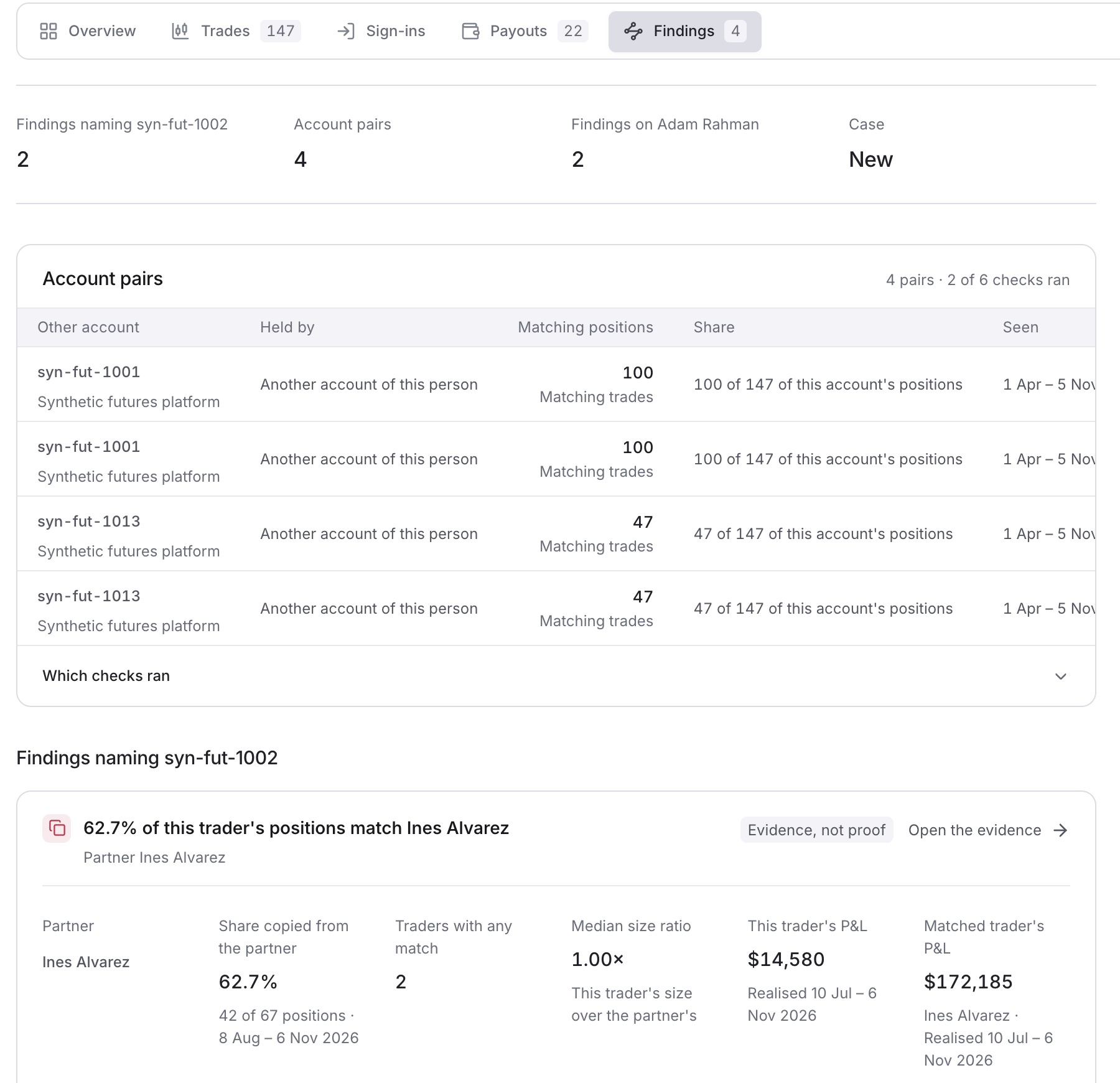
See what QuantSentry's detectors found on one trading account, and open the evidence behind each finding.
- Open the account. See Find an account by number or holder.
- Click the Findings tab.
- Read the findings listed under Findings naming the account number.
Tip: Findings about the holder that do not name this account are listed separately, under Other findings on the holder's name.
- Click Open the evidence on a finding to see how it was found.
- (Optional) For a finding that pairs this account with another, click Open the matched trades.
Result: The evidence for the finding opens, or the Trades tab opens narrowed to the matched trades.
Tip: If you see No finding names this account, no detector has found anything on it yet. Which checks ran shows which checks were run.
Tip: A finding is evidence, not proof. Decide what to do in Cases.