
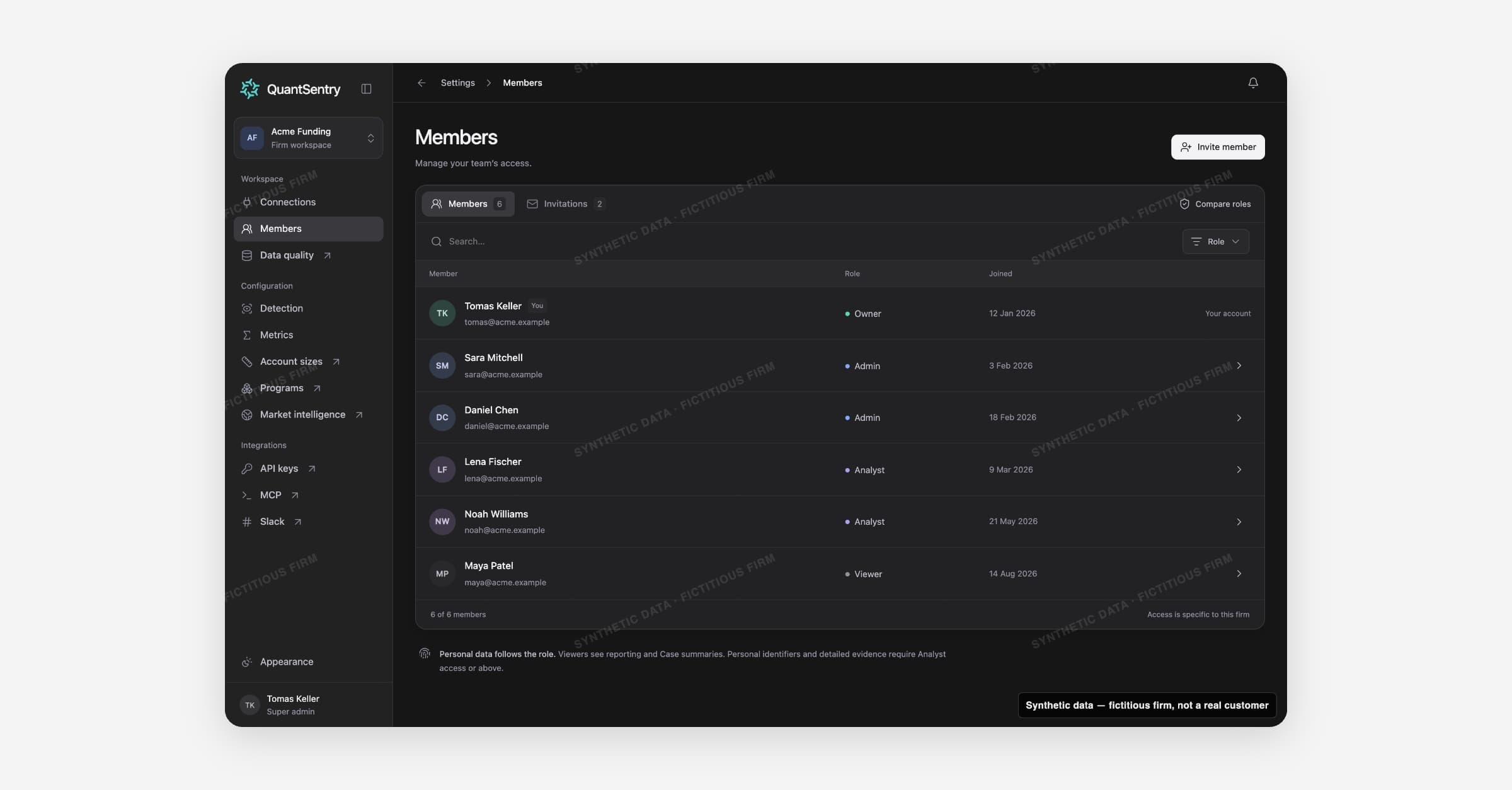
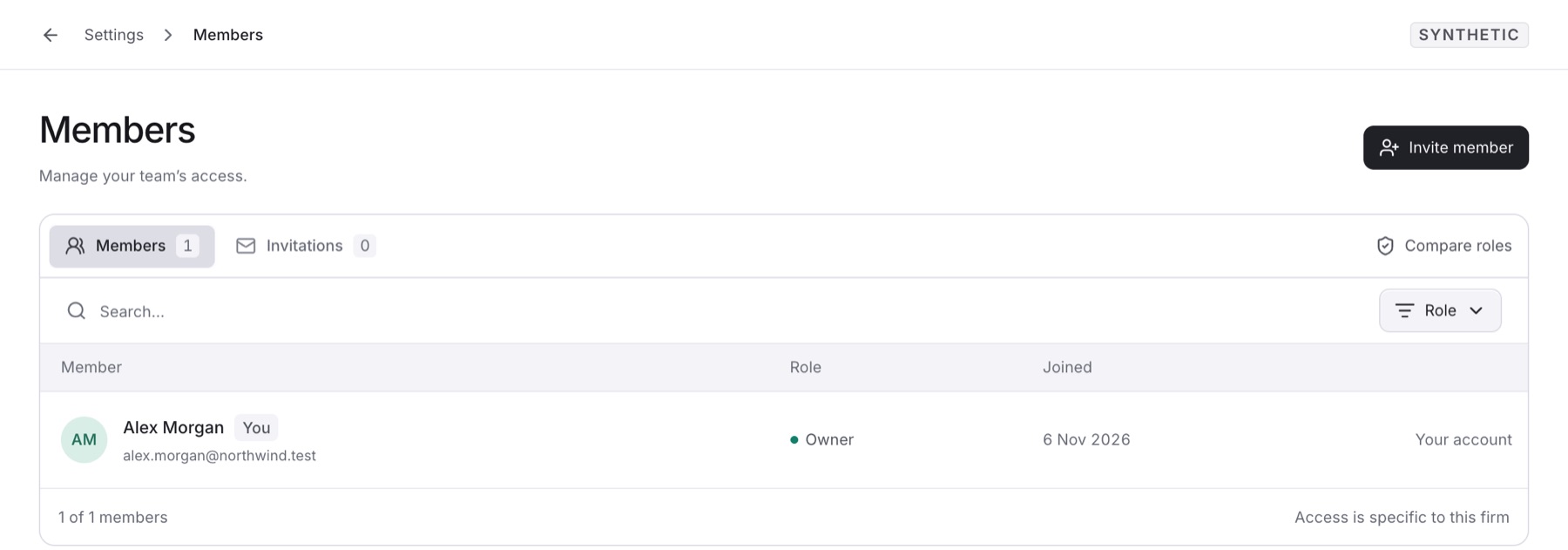
Members shows who can access your workspace, with which role, and who is still invited. Open it from Settings > Members.
On this page
Invite member: add a teammate (Owners and Admins only).
Members and Invitations: two tabs, each with a count.
Can manage access: a filter for everyone who can change access.
QuantSentry staff: listed apart and not counted as your members.
Roles
Each person holds one role. Select Compare roles to see this table.
Capability | Owner | Admin | Analyst | Viewer |
|---|---|---|---|---|
Reporting & Case summaries | Yes | Yes | Yes | Yes |
Personal identifiers & evidence | Yes | Yes | Yes | No |
Members & invitations | Yes | Yes | No | No |
Connection management | Yes | Yes | No | No |
Workspace & API keys | Yes | No | No | No |
Invitations and access rules
An invitation is Awaiting acceptance or Expired. Access starts only on acceptance.
You cannot change your own role or remove yourself.
The workspace always keeps at least one Owner. Only an Owner can make or change an Owner.
A removed member's past notes stay attributed to them.
Guides
Related
Connections: managed by Owners and Admins only.
Traders and Cases: personal identifiers need Analyst or higher.
API keys: also act as a role. Only the Owner manages them.