
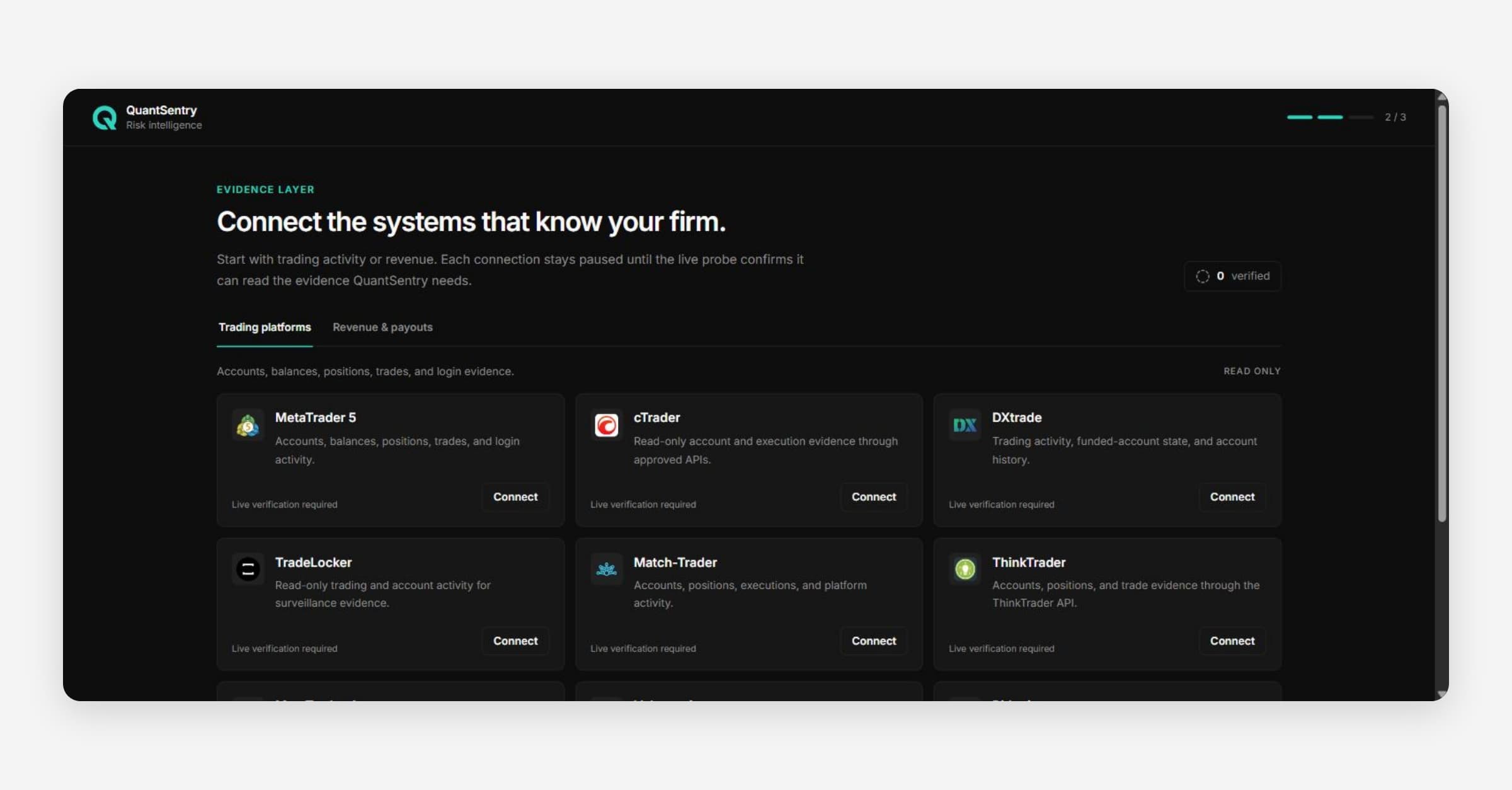
A new firm workspace opens on a checklist called Get set up. It lists four first actions, each on the real page where the work happens.
Who sees the checklist
- Only an Owner or Admin. An Analyst or Viewer goes straight to Overview.
- Only a workspace made with Create workspace. A workspace QuantSentry set up opens on Overview.
- It stops being your start page when all four steps are done, or someone selects Do this later.
The four steps
Opening a page does not tick a step. The product must see the result.
| Step | Done when | Label |
|---|---|---|
| Add your trading platform | At least one trading platform connection | Details saved |
| Add your store or trader desk | At least one store or trader desk connection | Details saved |
| Review your detection rules | Mark as reviewed selected, no rule changed since | Reviewed |
| Invite your team | Invitation pending, or two or more members | Invitation pending or Team added |
- Optional: shown on Invite your team. It still counts toward the total.
- Unavailable: the product cannot check this step right now.
A saved connection is not data yet. The checklist says: Data will appear after verification and the first successful sync.
Finding your way around
| Sidebar | Pages |
|---|---|
| Top | Overview, Argus AI, Traders, Accounts, QuantSentry Network |
| BUSINESS | Payouts, Business Performance, Orders, Products |
| RISK | Exposure, Cases, Relationships |
| ANALYTICS | Data Analysis, Targets, Market Intelligence |
Settings is in the menu under your name at the bottom of the sidebar.