
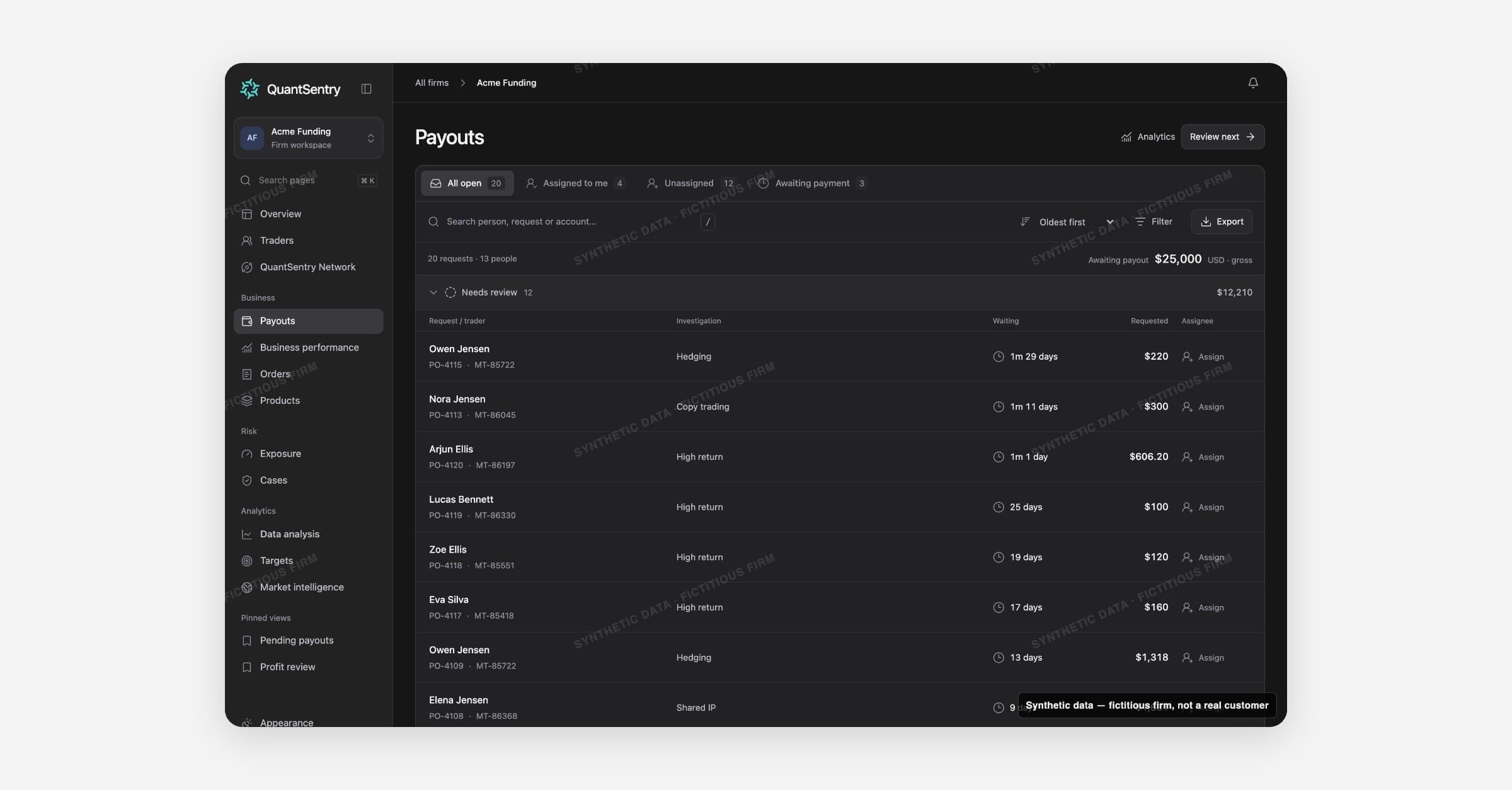
Payouts is where your team reviews payout requests from funded accounts.
QuantSentry does not pay, hold or decline a request. A person records the decision in the firm's own system.
On this page
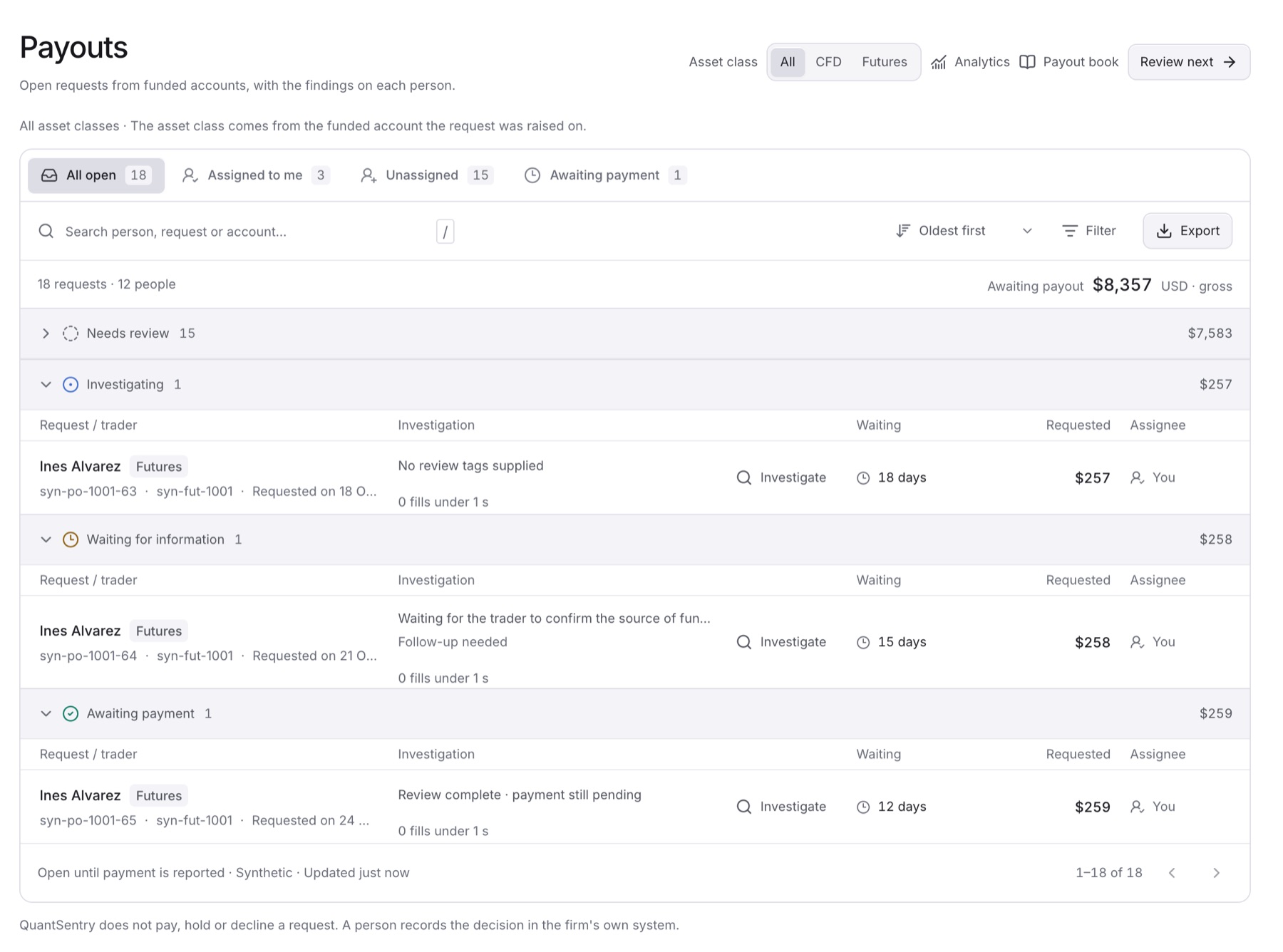
- Payout queue: every open request, grouped by review stage.
- Payout book: every handled payout. Look up, group and export.
- Analytics: requested and paid payouts over a period.
The payout queue
Open Payouts in the side menu. A request stays here until your payout system reports it as paid.
| Stage | Meaning |
|---|---|
| Needs review | Waiting for a person to start |
| Investigating | A person checks the evidence |
| Waiting for information | Paused until information arrives |
| Awaiting payment | Review done, payment pending |
Tabs: All open, Assigned to me, Unassigned and Awaiting payment.
Inside a request
Click a request to open it.
- This review holds Status and Assignee.
- Gross requested is before the profit split. It is not what the firm transfers.
Guides
- Review a pending payout request
- Find payout requests linked to an open Case
- Export the payout queue as CSV
- Look up a past payout in the payout book
- Export payouts from the payout book
- Check requested and paid payouts for a period
- Choose which payout notifications you get
Related
- Cases: link to the trader's payout requests.
- Overview: shows the same pending totals.
- Business Performance and Products: paid payouts next to revenue.