
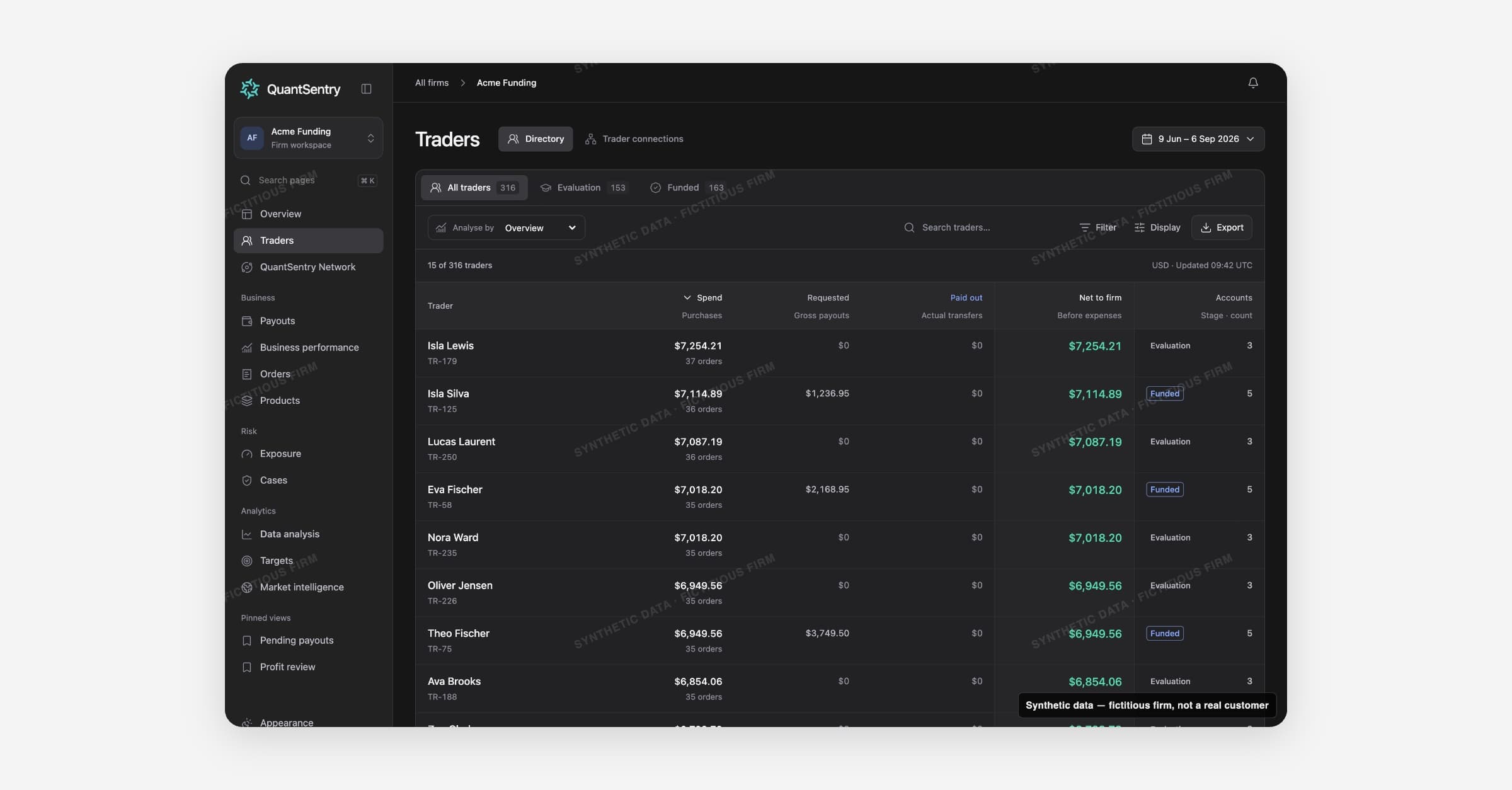
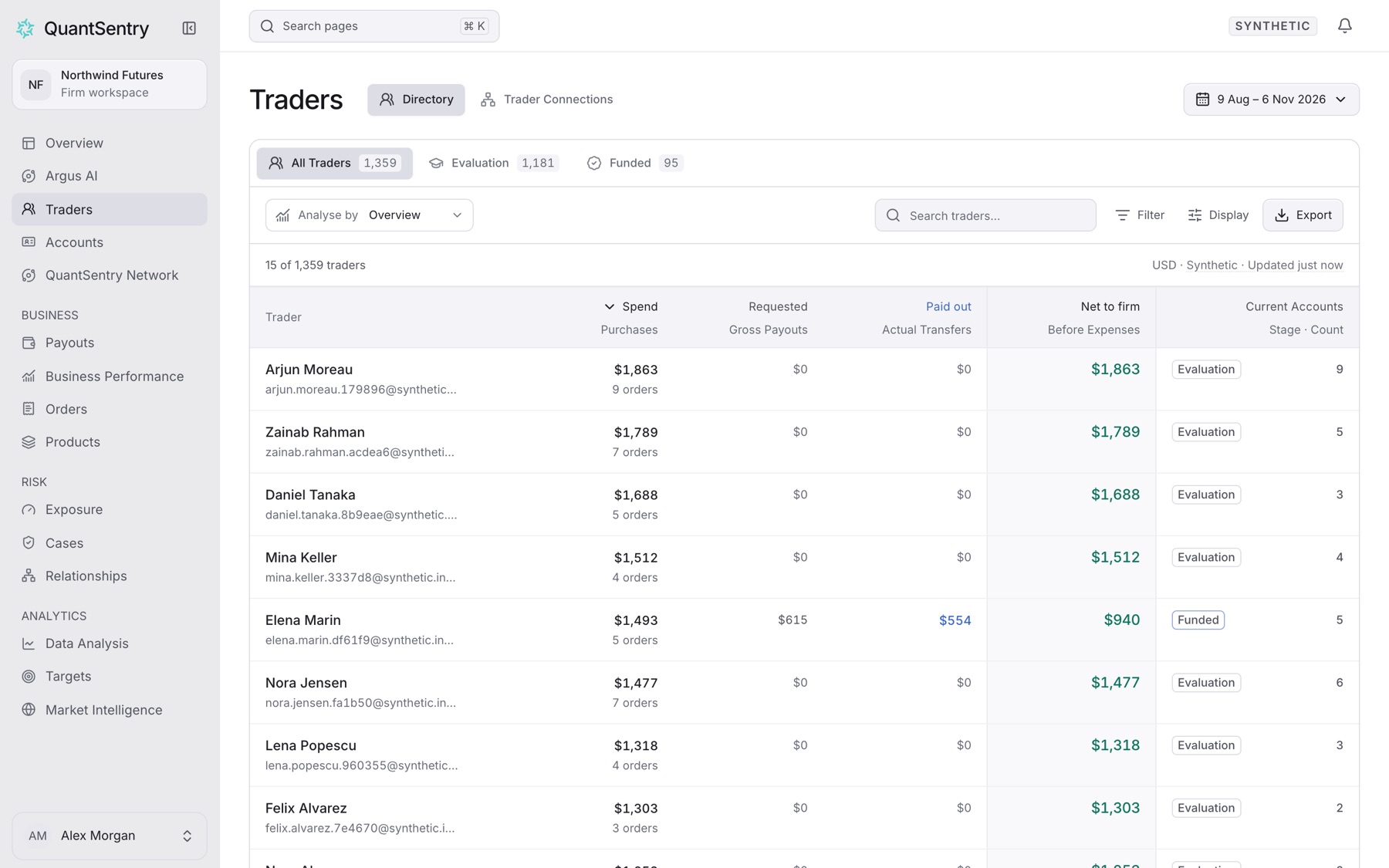
Traders lists every person your firm has seen. One row is one person, with their purchases, accounts and payout requests.
Open it from the side menu: Traders.
On this page
- Trader Connections: opens the Relationships page.
- All Traders, Evaluation, Funded: lifecycle tabs.
- Analyse by: changes columns and sort, for example By Spend or By Payouts.
- Search traders…: matches part of a name.
- Filter: for example by Country, Status or Payout stage.
- Export: the current list as CSV.
- Save as view: saves a narrowed list under Pinned views.
The period picker changes the money figures, not who is listed.
The trader profile
Select a trader to open their profile. Key tabs:
- Cases: every Case on this trader.
- Accounts, Trades, Payouts, Sign-ins: their activity at your firm.
- DNA & evidence: the Trader Passport and KYC.
- Network: what other firms report.
Trader DNA shows details a trader shares with others at your firm. Sharing is context, not a fraud verdict.
Guides
- Find a trader by name
- Find a trader by email address
- Save a filtered trader list as a view
- Export the trader list as CSV
- Export a trader's trades as CSV
- Run an investigation on a trader
- Export an investigation report as PDF
- See who else signed in from the same address
Related
- Profile tabs link to Cases and Payouts.
- Explore network opens the trader in QuantSentry Network.
- Each account on Accounts opens its page in Accounts.