
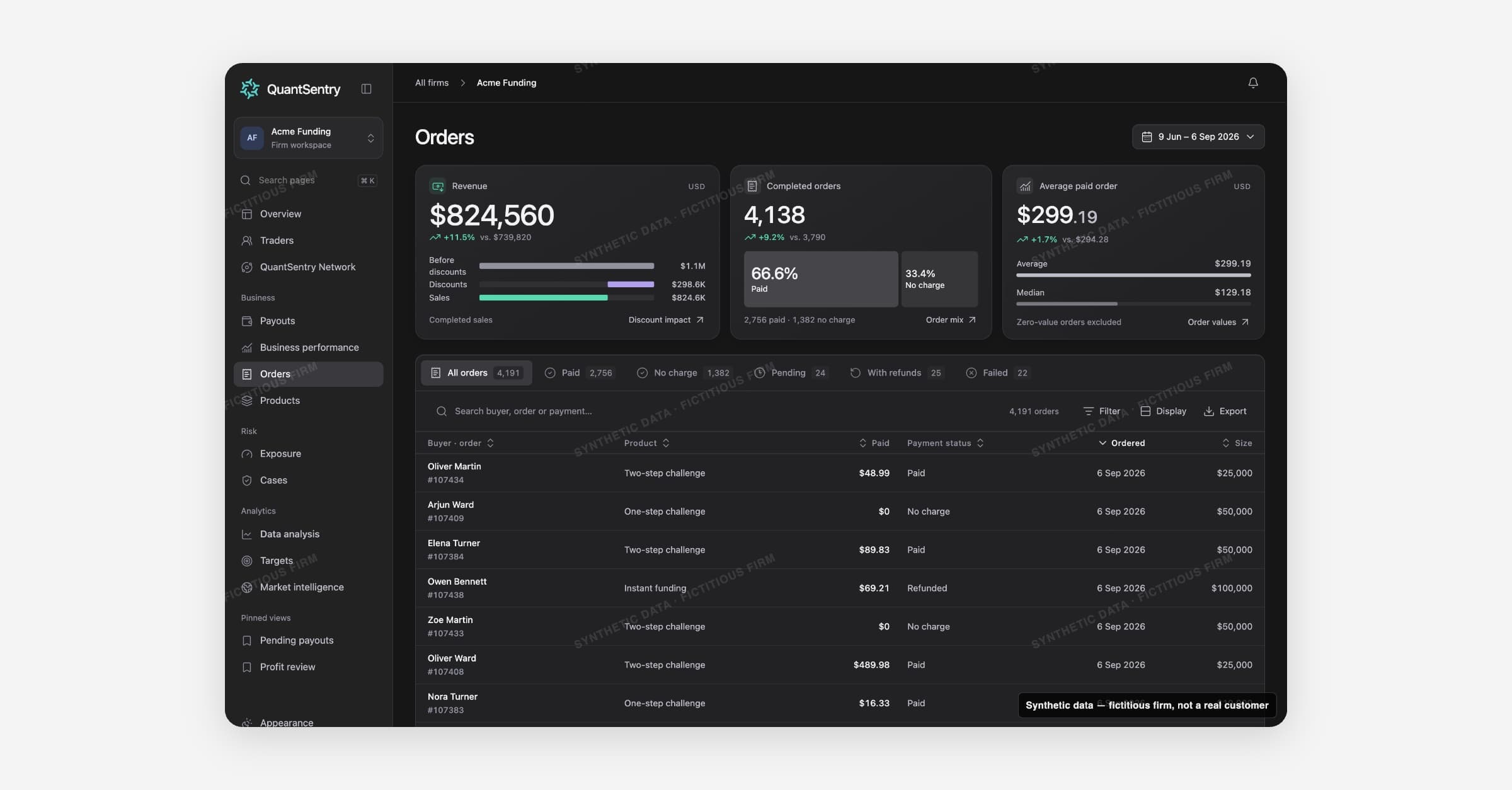
Orders lists every order the firm has taken, settled or not. It shows what was sold, to whom, and how much is completed revenue.
Open it with Orders in the side menu. It opens on the last 90 days.
On this page
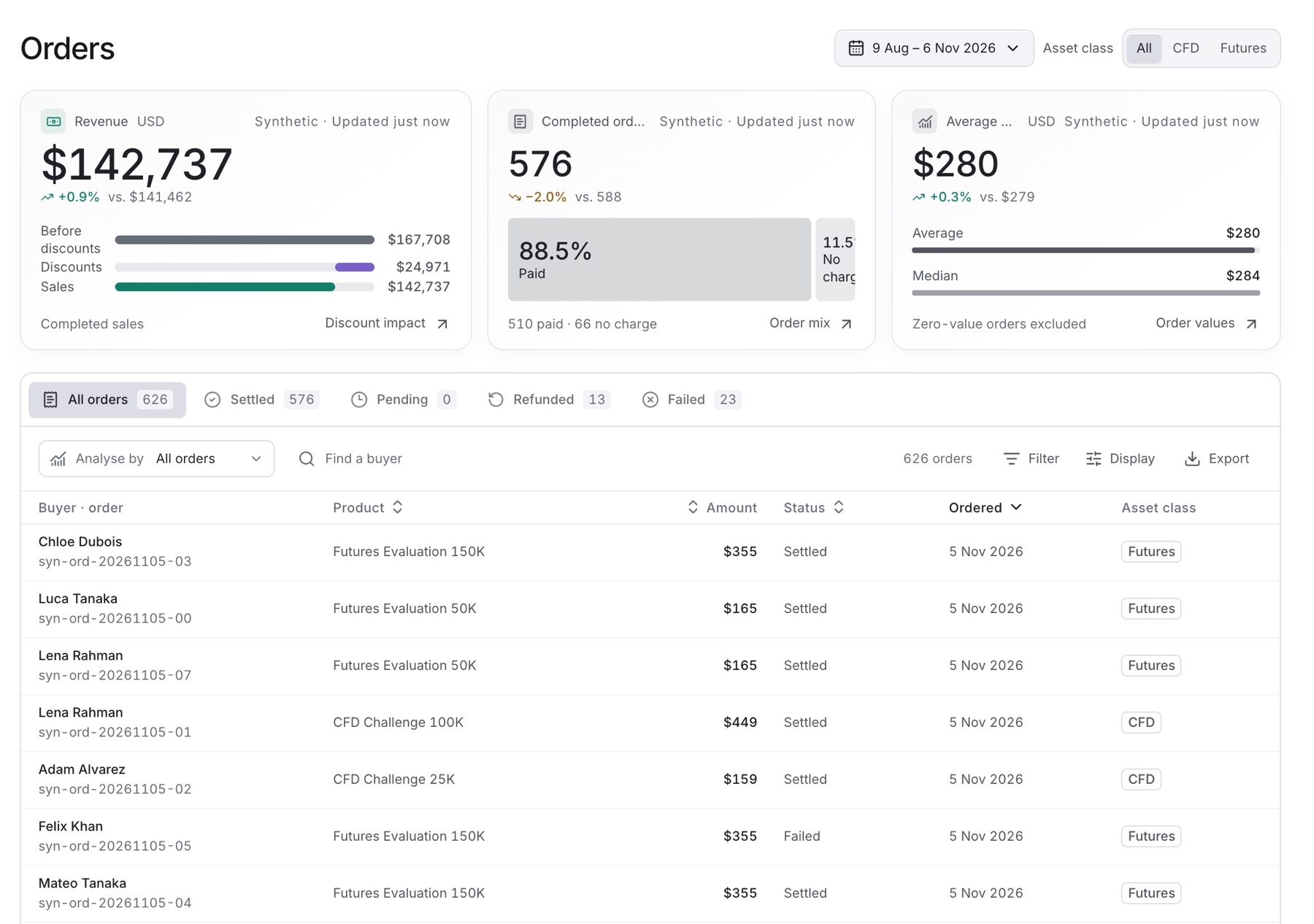
- Revenue: completed sales after discounts.
- Completed orders: settled orders, split into paid and no-charge.
- Average paid order: the average value of a paid order.
- Status tabs: All orders, Settled, Pending, Refunded and Failed.
- Order list: buyer, product, asset class, amount, status and date.
Work with the list
- Find a buyer: search by buyer name.
- Filter: narrow by Product, Account size, Country or Paid with.
- Display: turn on Email, Currency and Paid with.
- Export: download the rows.
- Click a row to open the buyer's trader profile.
Guides
Related
- Traders: the buyer's profile.
- Business Performance: uses the same orders for Revenue.
- Products: revenue per product from the same orders.