
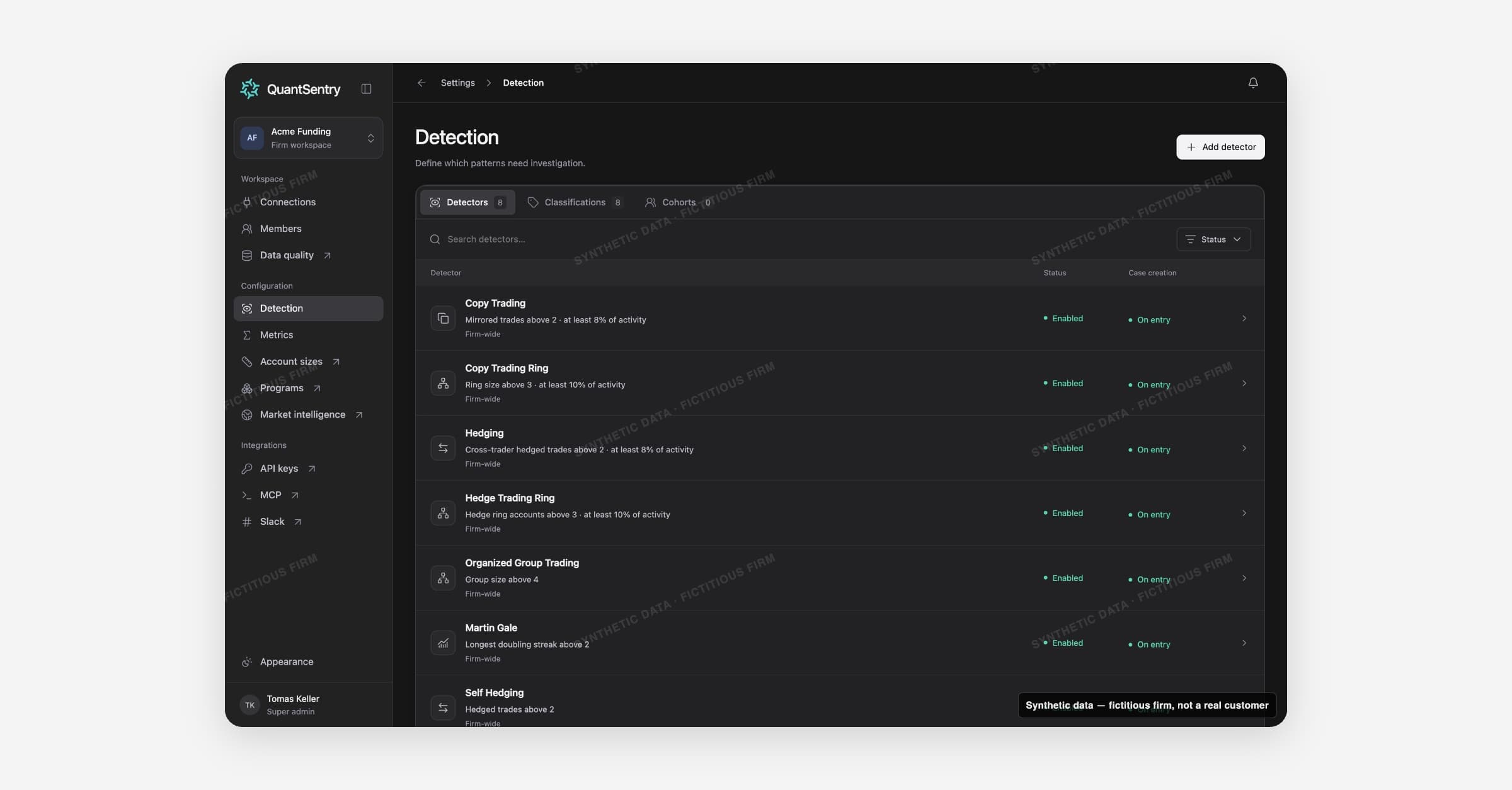
Detection is where your firm decides which trading patterns need investigation. Open it from Settings > Detection.
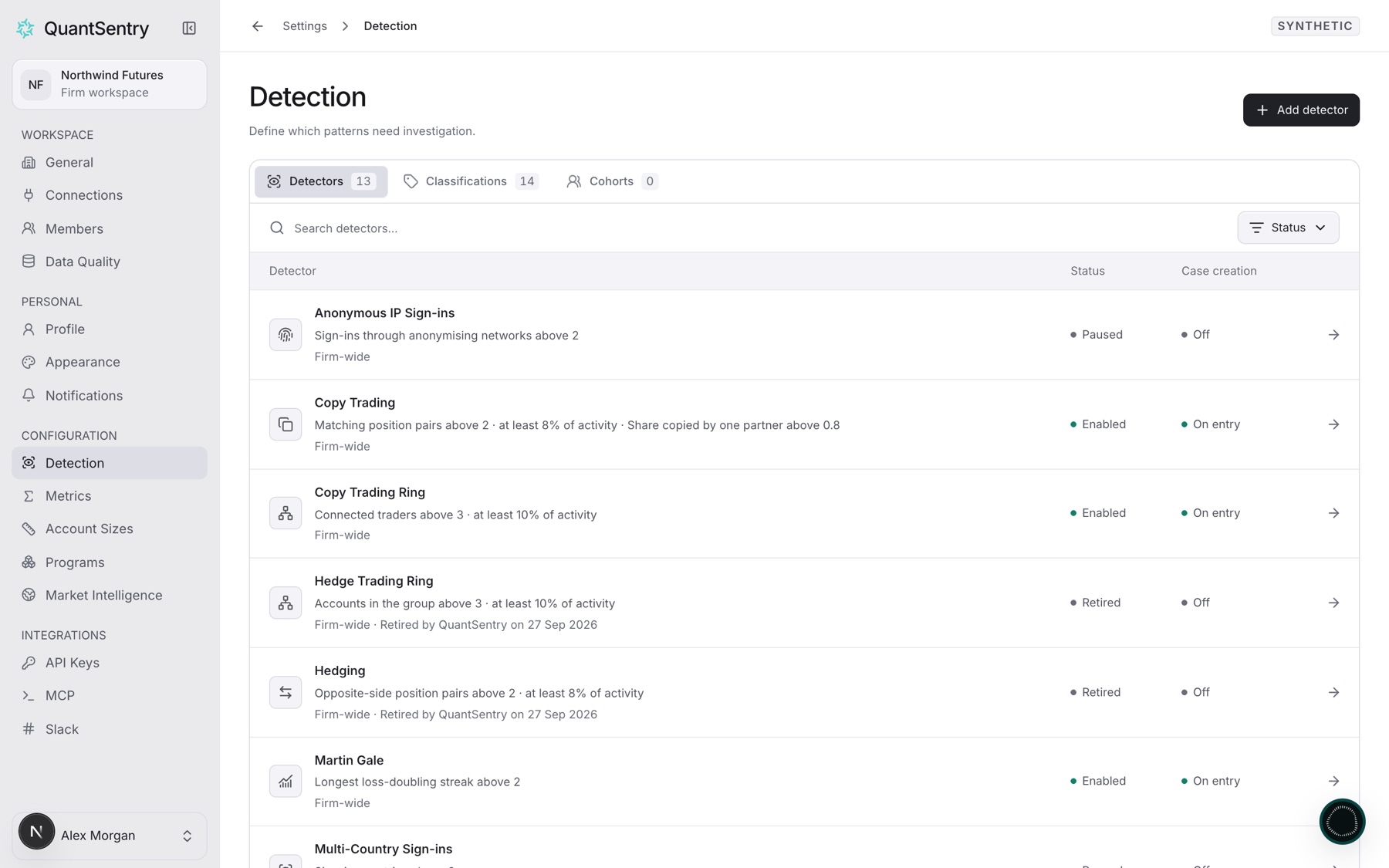
How it works
- Detect the pattern. A detector measures one pattern, for example shared logins.
- Apply your label. A classification labels a trader when its rules hold.
- Create a Case. With Case creation on, the labeled trader gets a Case.
On this page
- Detectors: each pattern and its Status.
- Classifications: each label and its Case creation state.
- Cohorts: groups of traders. Firm-wide covers every trader.
- Alert subscriptions: conditions that create Cases. They do not send notifications.
Viewers can see Detection but not change it.
Case creation states
| State | Meaning |
|---|---|
| On entry | A trader entering the classification gets a Case. |
| Off | Case creation is not turned on. |
| Check paused detector | On, but a detector it reads is paused. |
| Label disabled | The classification itself is turned off. |
A Case never restricts an account or decides a payout. A person reviews it first.
Guides
- Pause or turn on a detector
- Create a classification
- Change a classification's threshold
- Turn on Case creation for a classification
- Create Cases from a metric condition in a cohort
- Pause or resume an alert subscription
- Complete the Get set up checklist
Related
- Cases: every Case starts here.
- Connections: detectors read the trades and logins they bring in.
- Fix a missing Case or a Case you cannot change