
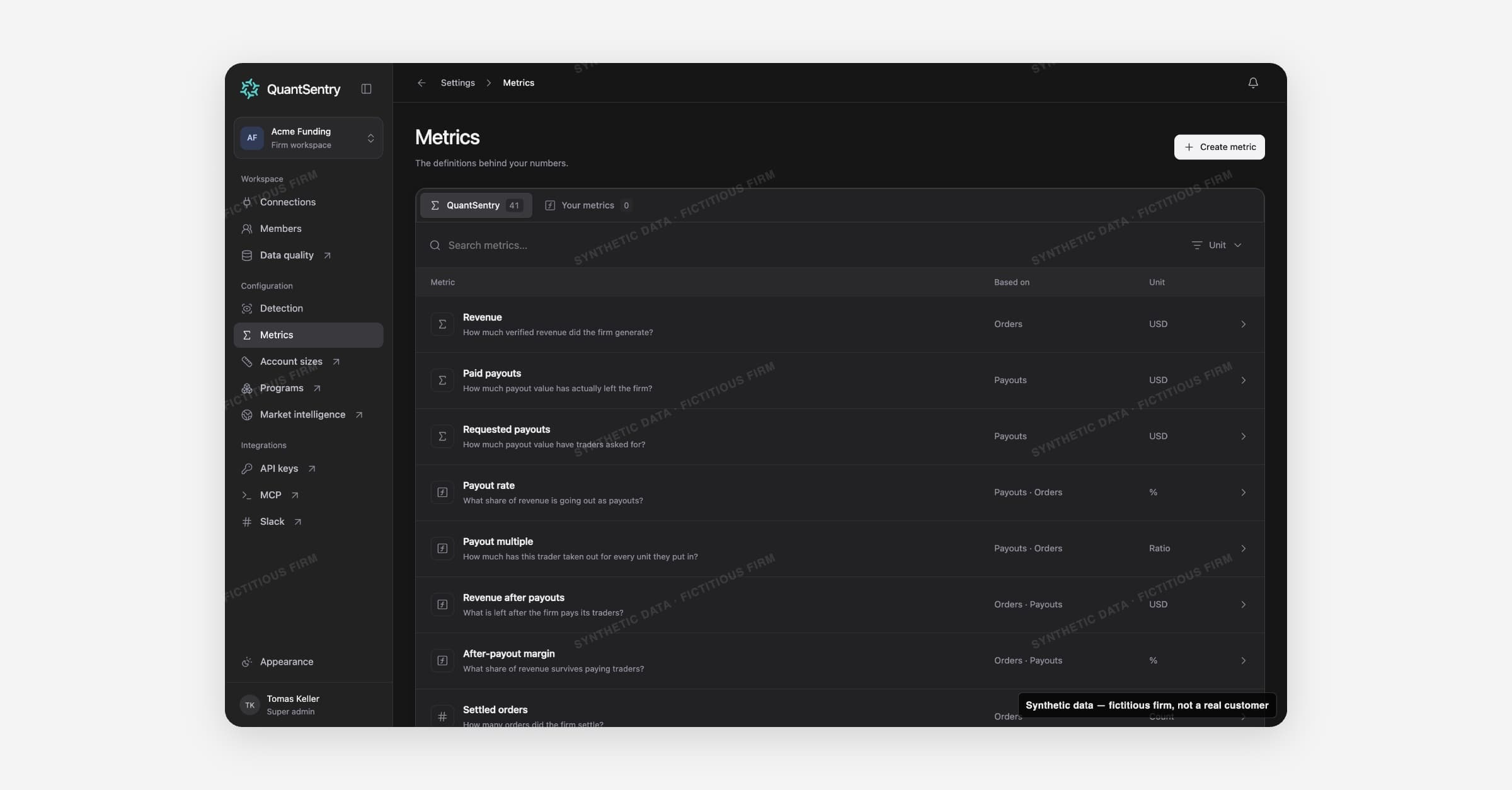
Metrics lists how every number in QuantSentry is calculated. Open it from Settings > Metrics.
On this page
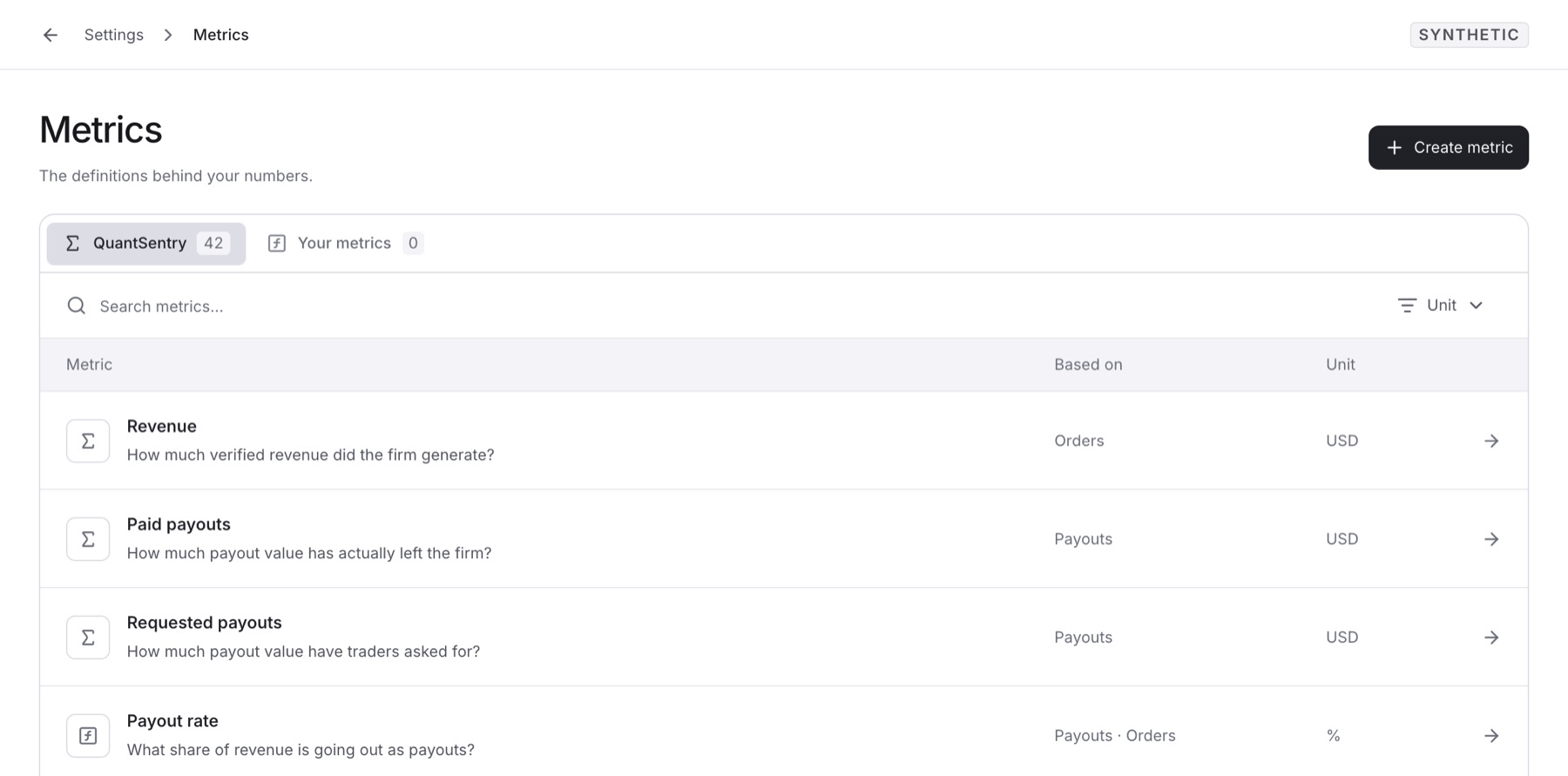
QuantSentry: built-in metrics such as revenue, payouts and payout rate, marked Defined by QuantSentry · Read-only.
Your metrics: metrics your firm adds, marked Defined by your firm.
Columns: the metric and its question, Based on and Unit.
Search metrics and the unit filter: Money, Count, Percentage, Ratio or Days.
A metric's page
What it measures: the question it answers and how it is calculated.
Definition: Based on, Unit, Time scope, Interpretation and Measurement.
Definition details: Metric ID, Defined by and Version, to trace formula changes.
Case condition: an optional rule that opens a Case when the metric crosses a threshold.
A ratio shows no result when it divides by zero. Profit metrics such as Revenue after payouts do not subtract operating costs.
Who can change metrics
Owners, Admins and Analysts can create, edit and delete your metrics and set Case conditions.
Viewers can read every definition.
QuantSentry metrics can never be edited or deleted.
Guides
Related
Data Analysis: charts any metric over time.
Detection: can use metrics in its rules.
Connections: supplies the records each metric reads.
Business Performance, Overview and Targets: show numbers defined here.