
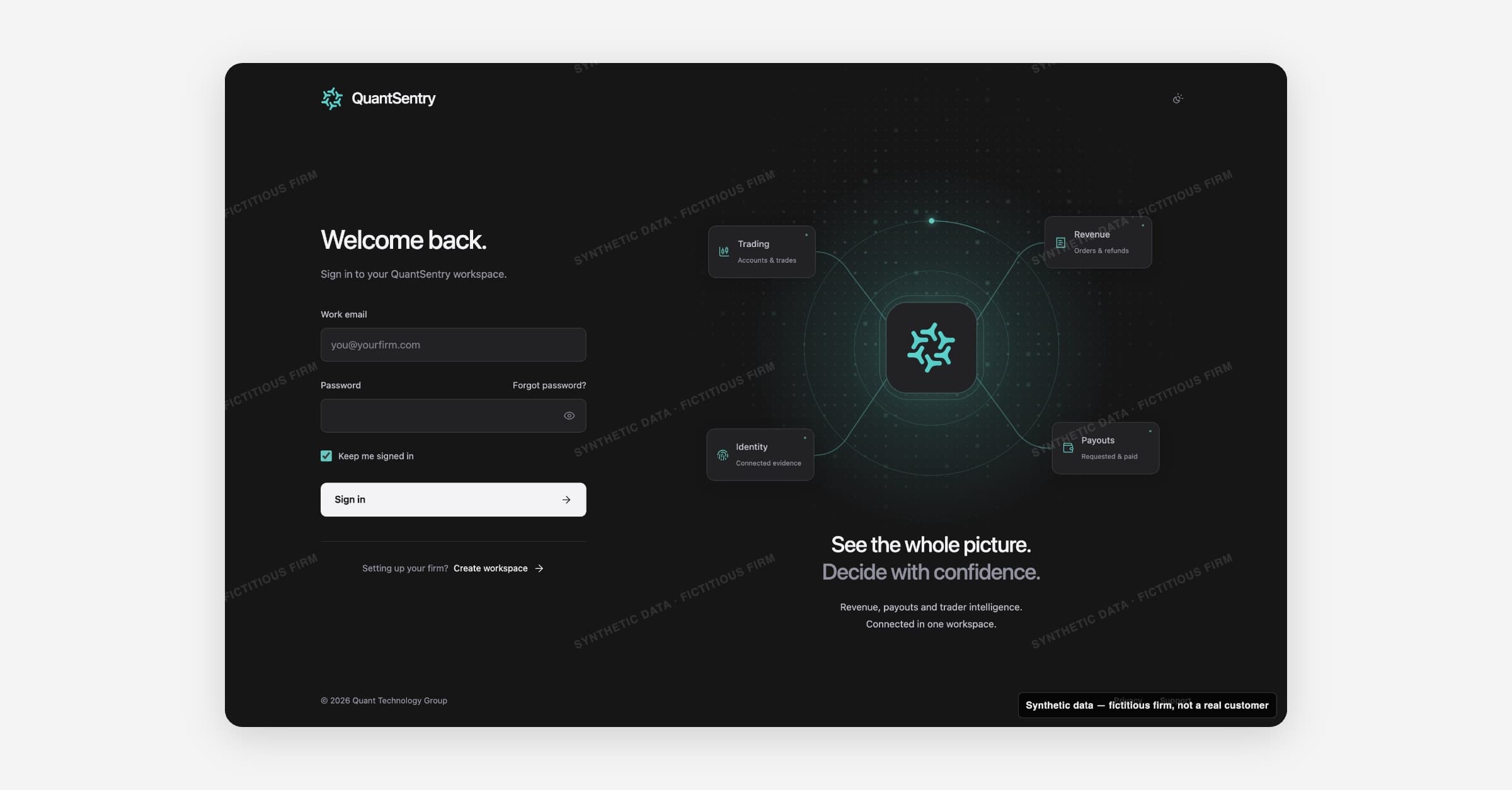
You reach a firm's workspace with a work email and password. One account can belong to several firm workspaces, with a role in each.
Ways in
- Sign in: for people with an account. You land on Overview, or Get set up if setup is not finished.
- Create workspace: for the first person at a firm. It creates your account and the workspace.
- Invitation: for everyone else. An administrator sends it from Members. The invitation sets your role.
Roles
| Role | What it allows |
|---|---|
| Owner | Full control, including members and organization settings |
| Admin | Manage members, connections, detection, sensitive evidence |
| Analyst | Investigate cases, work with evidence, share analysis |
| Viewer | Read-only reporting and investigations |
Roles change only in Members.
More than one firm
- In several firms, the firm name at the top of the sidebar is a switcher.
- In no firm yet, you see Create a workspace. after you sign in.
Getting help
Support at the bottom of every sign-in screen opens Help signing in. It covers a forgotten password, joining your team and lost access.