
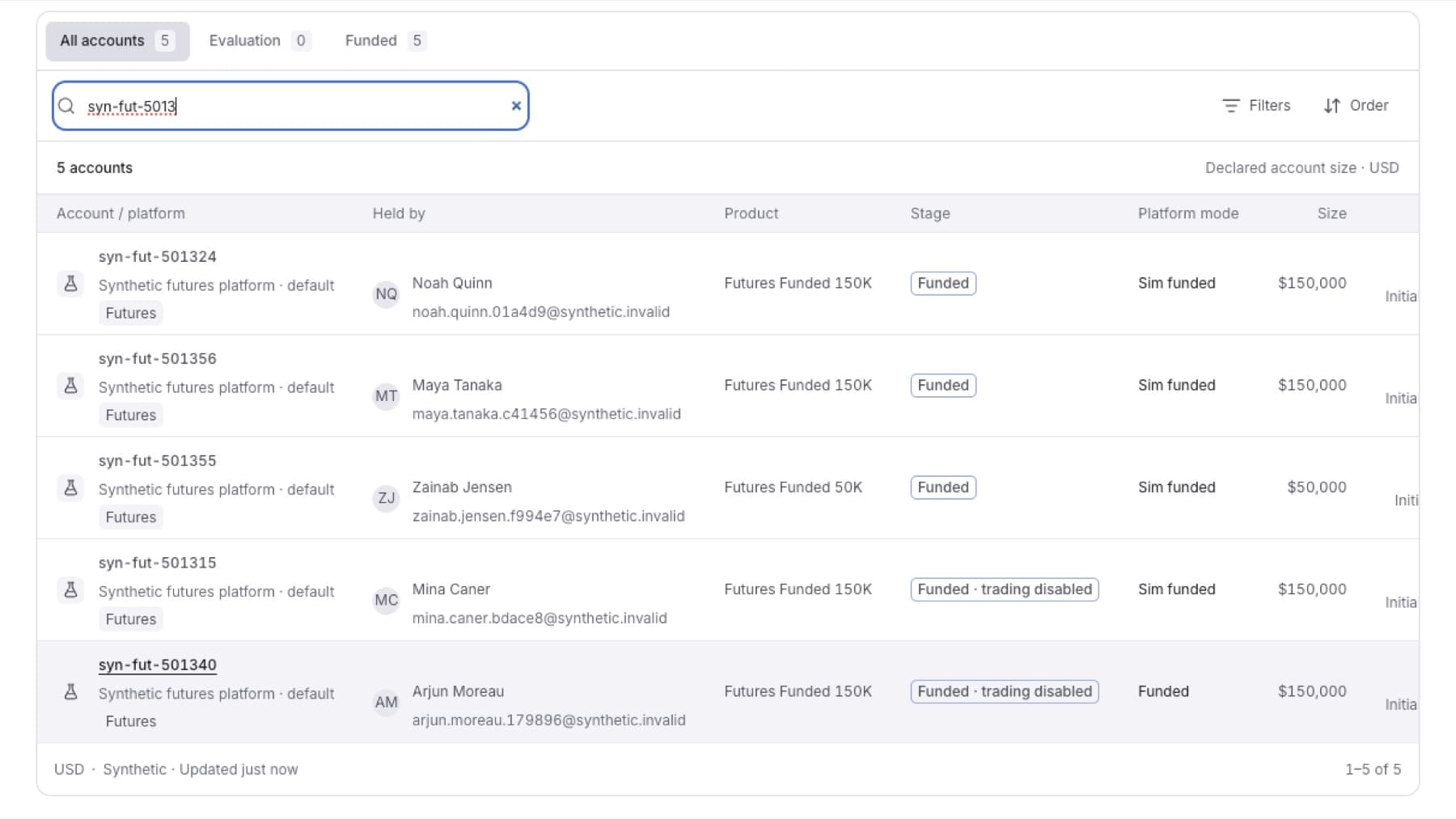
Find one trading account when you have its number, or the name or email of the person who holds it.
- Click Accounts in the side menu.
- Click All accounts.
- Type in the search field (Account number, or a person's name or email…). You can type:
- an account number, or the start of one, for example
700101 - part of the holder's name
- part of the holder's email, for example
[email protected]
- an account number, or the start of one, for example
- Click the account in the list.
Result: The account page opens on its Overview tab.
Tip: If you see Each connection numbers its accounts on its own. Choose the one you mean., the same number exists on more than one platform. Pick the account on the platform you want.
Tip: If you see No account matches, check the number, then click Filters and set Platform to Every platform.