
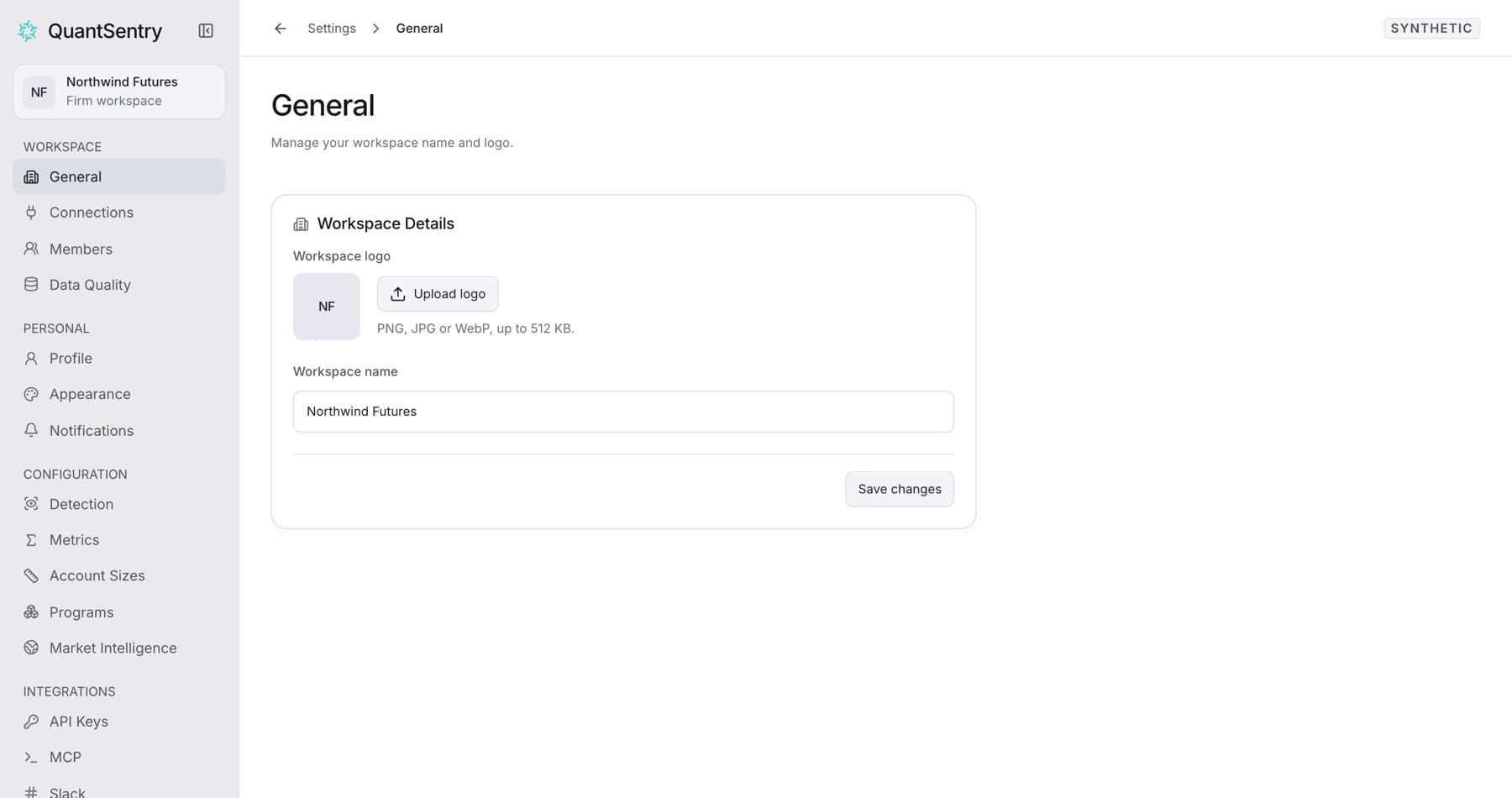
Settings holds your own choices and the workspace's choices. Select your name at the bottom of the sidebar, then Settings. It opens on General.
Personal settings
| Page | What you change | Applies to |
|---|---|---|
| Profile | Name, profile picture, password | Your account, in every workspace |
| Appearance | Color theme, sidebar pages and their order | This browser only |
| Notifications | Payout updates in the app and by email | You, in this workspace |
- Your sign-in email is read-only.
- Owners and admins also pick the Slack channel for notifications.
Workspace settings
- General: the workspace name and logo. Owners and admins can change them. Everyone else can view them.
Connections, Members, Data Quality, Detection and the other Settings pages have their own articles.