
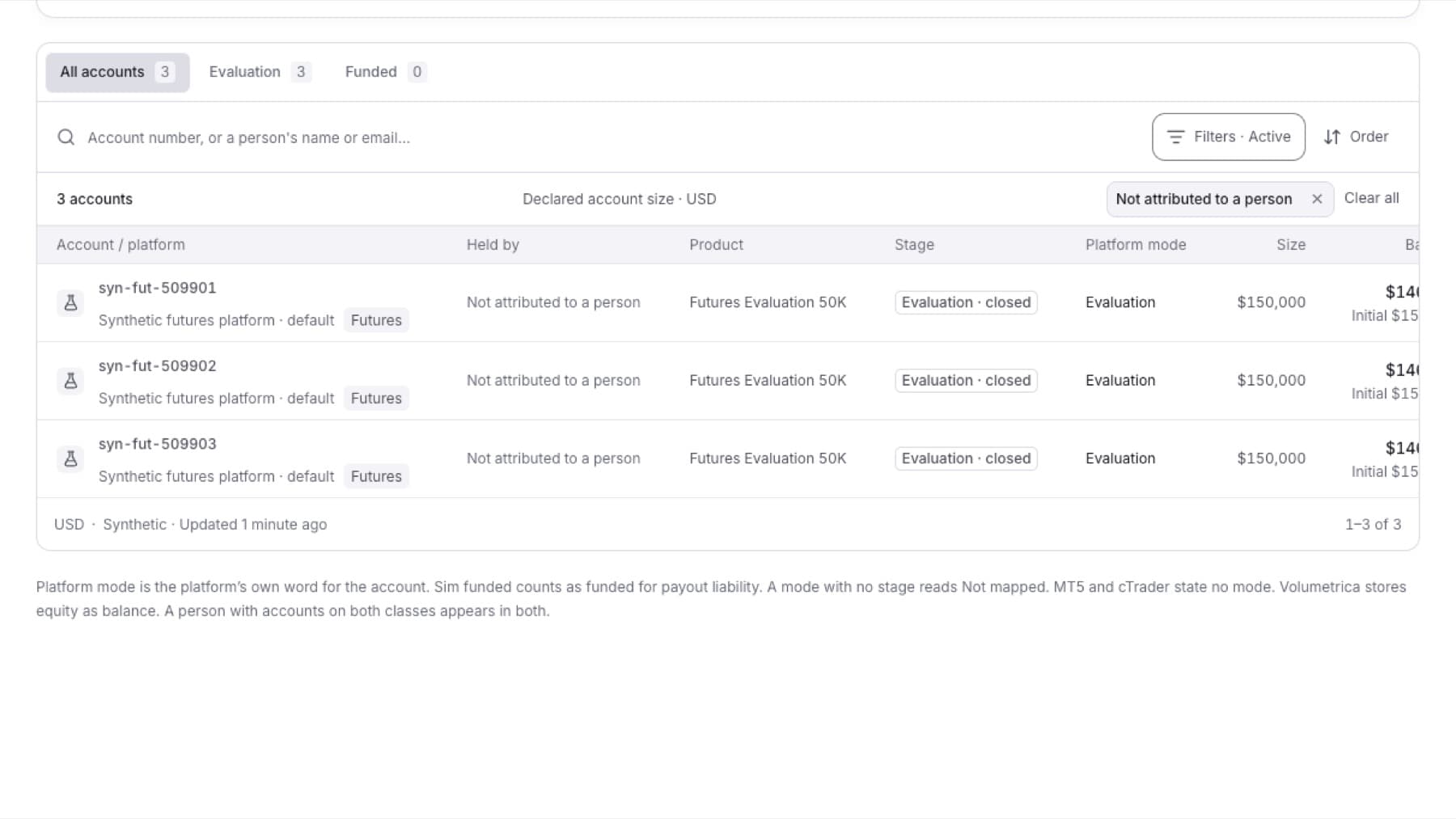
List the trading accounts that QuantSentry cannot tie to any person, for example accounts known only from their trades.
- Click Accounts in the side menu.
- Click Filters.
- Under Holder, choose Not attributed to a person.
- (Optional) Under Platform, choose one platform.
Result: The list shows only accounts whose Held by column reads Not attributed to a person. A Filters · Active label and a filter chip show above the list.
Tip: To remove the filter, click the chip's remove control, or click Clear all.