
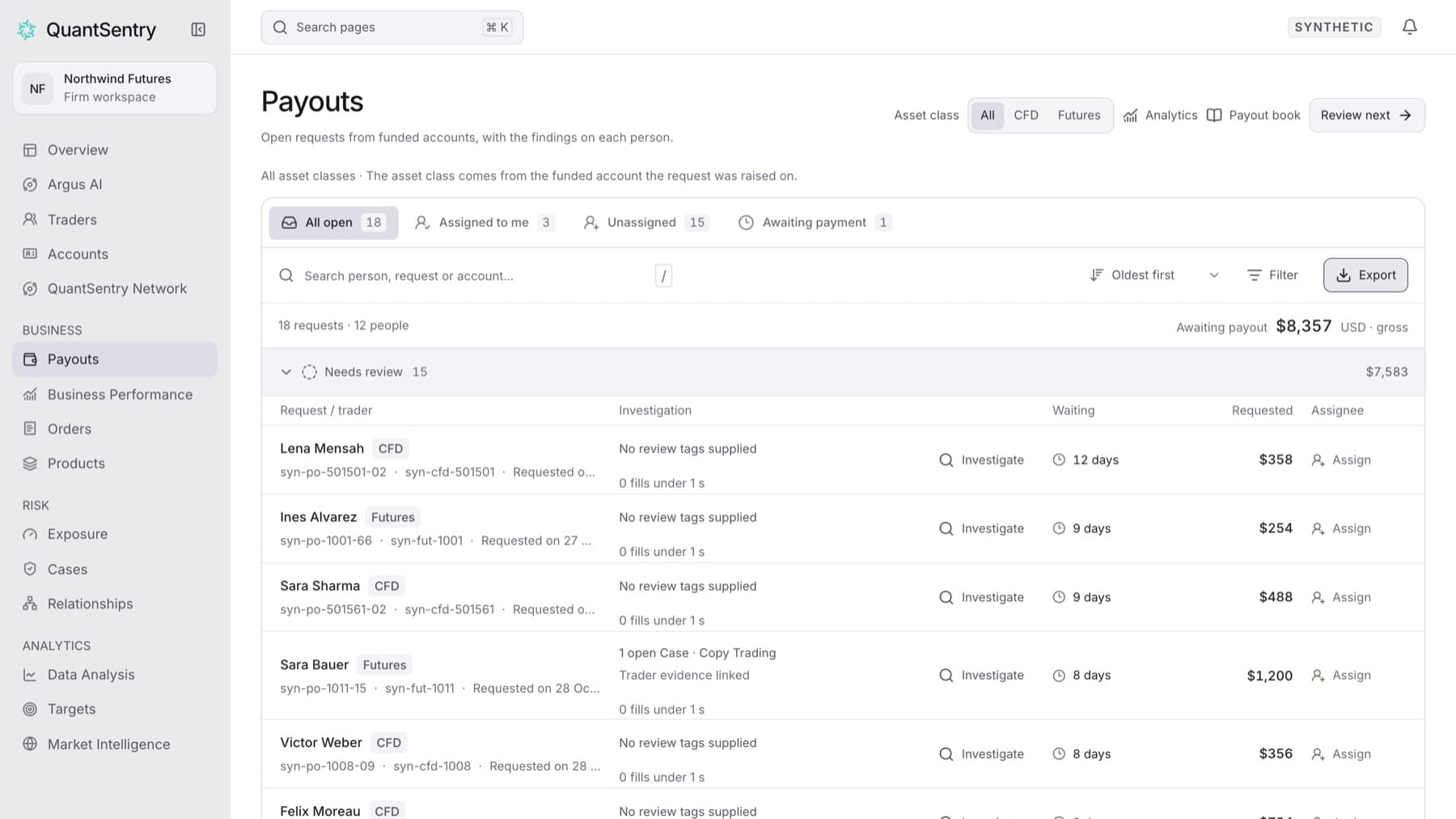
Download the open payout requests in your current view as a CSV file. Any workspace role can do this.
- Click Payouts in the side menu.
- Choose a tab: All open, Assigned to me, Unassigned or Awaiting payment.
- Optional: type in the search box (Search person, request or account…) or use Filter to narrow the list.
- Click Export.
Result: Your browser downloads payout-queue.csv. It has one row for every request that matches your tab, search and filters, across all pages, with these columns: Request, Trader, Account, Stage, Investigation, Waiting, Requested (USD, gross) and Assignee.
Tip: The export holds open requests only. To export payouts that are already paid or rejected, use the payout book.