
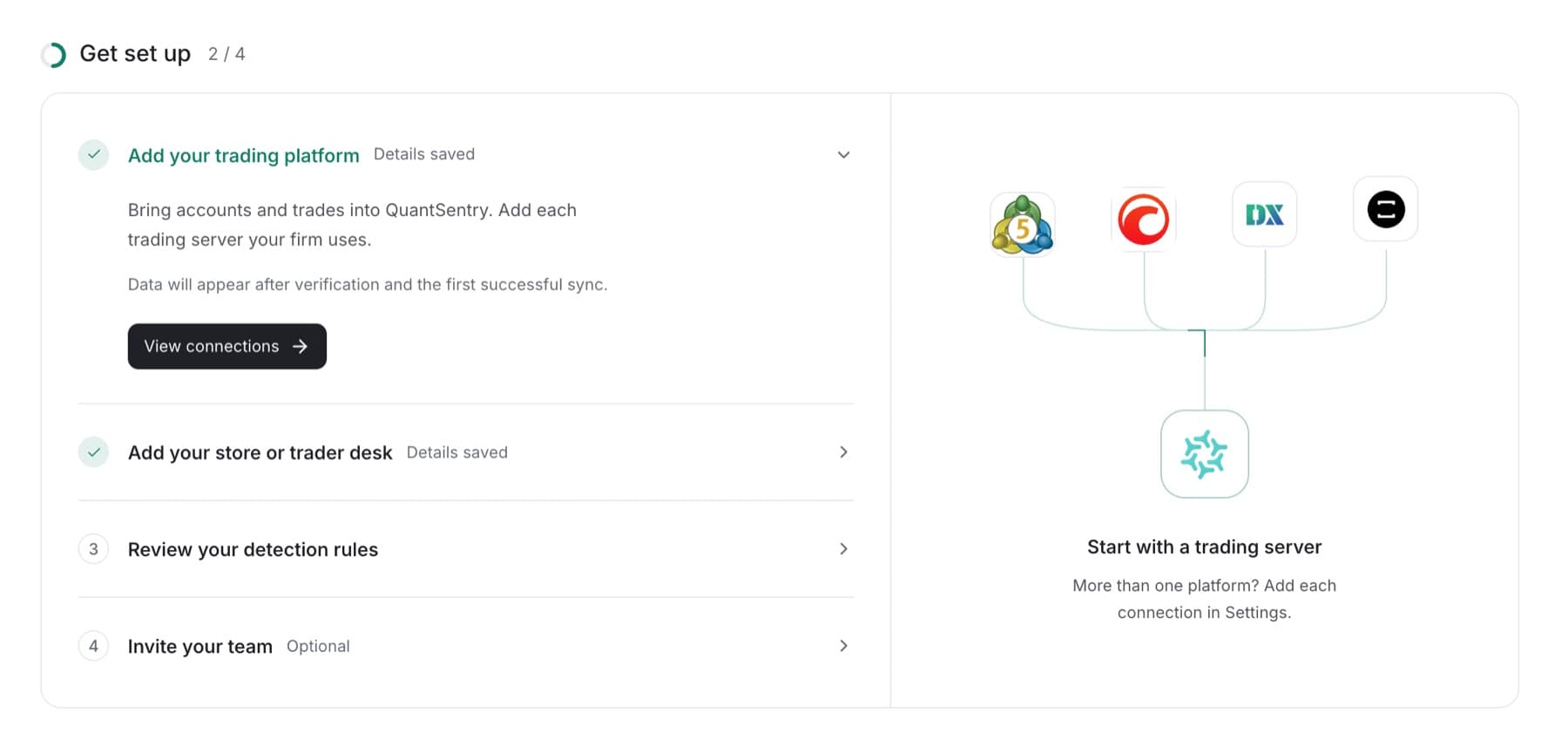
Work through the four setup steps for a new workspace. You need the Owner or Admin role.
- Sign in. A new workspace opens on Get set up.
- In Add your trading platform, select Choose a platform, then add your trading server on the page that opens.
Tip: If your firm uses more than one platform, add each connection in Settings.
- Return to Get set up. In Add your store or trader desk, select Choose a source, then add your store or trader desk.
- In Review your detection rules, select Review detection and check the starting rules.
- Return to Get set up and select Mark as reviewed.
Tip: If someone changes a rule after this, the step is no longer marked as reviewed. Select Mark as reviewed again after you check the change.
- In Invite your team, select Invite a teammate, then send an invitation from Members. This step is optional.
- When all four steps are done, select Open Overview.
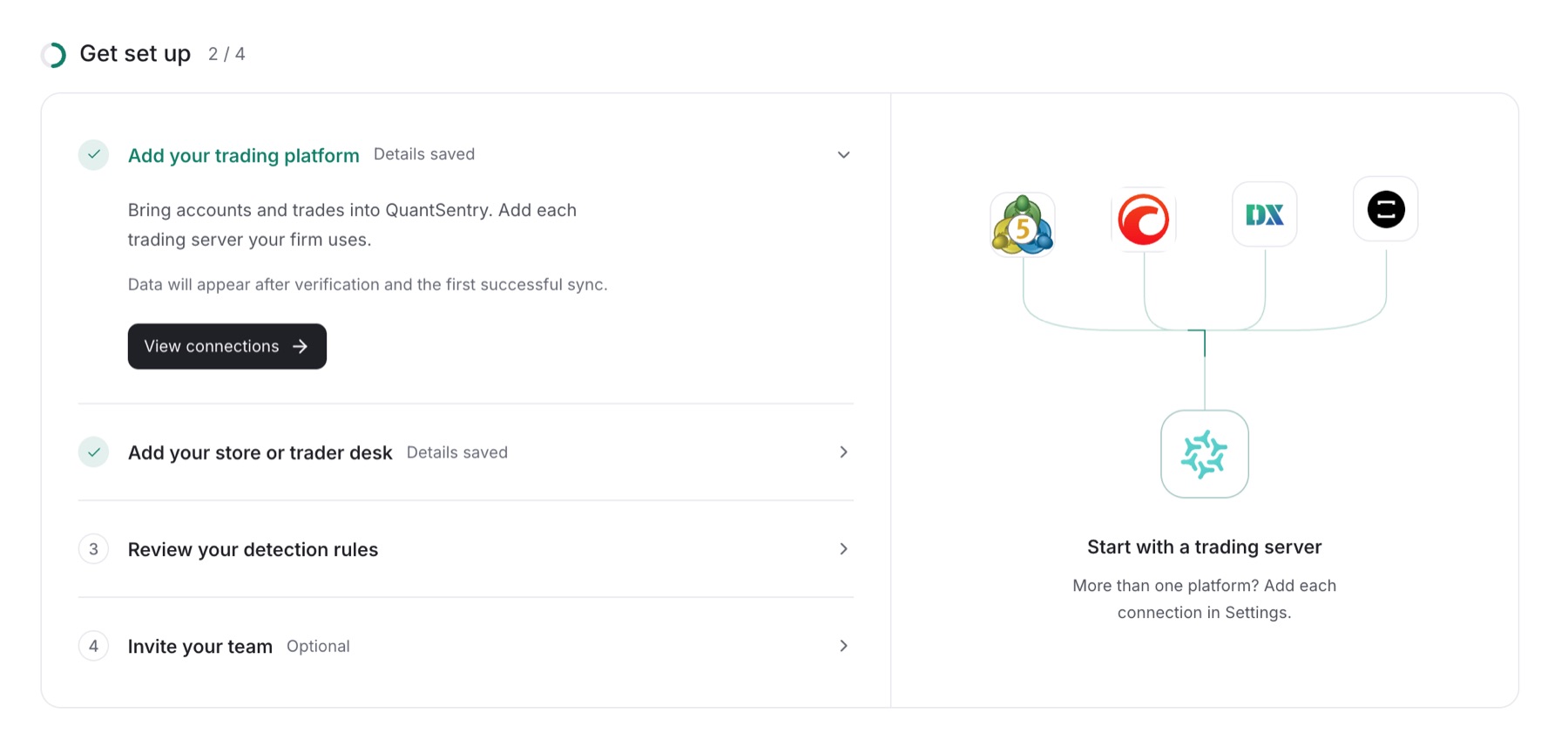
Result: The counter reads 4 / 4 and you see Setup details are ready. From now on the workspace opens on Overview.
Tip: To skip setup for now, select Do this later next to the page title. This does not complete any step. The checklist has no sidebar entry. To open it again, add
/onboardingto the end of your workspace address.
Connections must be verified and complete a first sync before figures appear.