
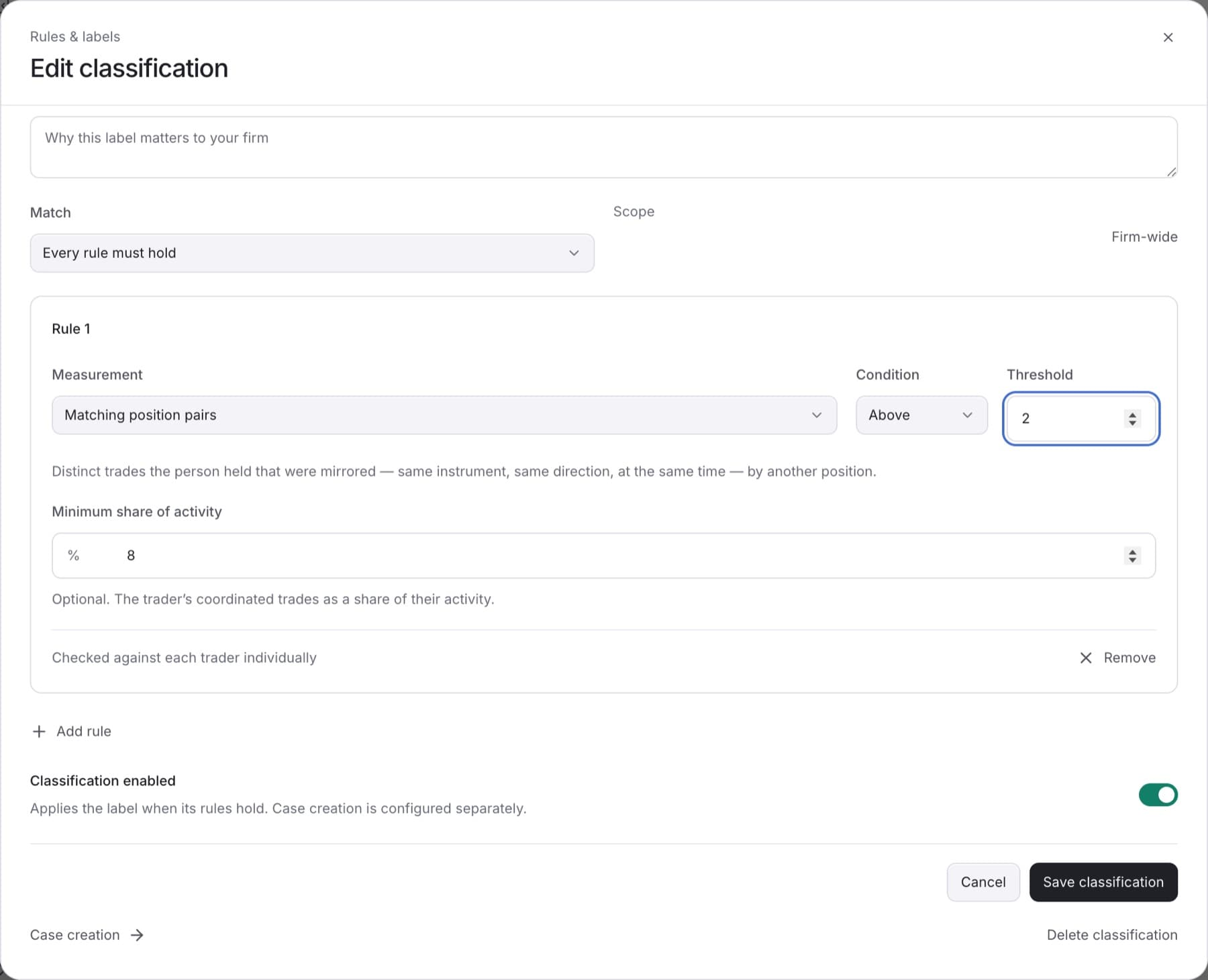
Change a threshold when a label catches too many or too few traders. You need the Owner, Admin or Analyst role.
- Go to
Settings > Detection. - Click the Classifications tab.
- Click the classification you want to change.
- Find the rule and type a new value in Threshold.
Tip: The unit is shown in the field name when the measurement has one, for example a currency or a percentage.
- Optional: change Condition between Above and Below, or set Minimum share of activity.
- Click Save classification.
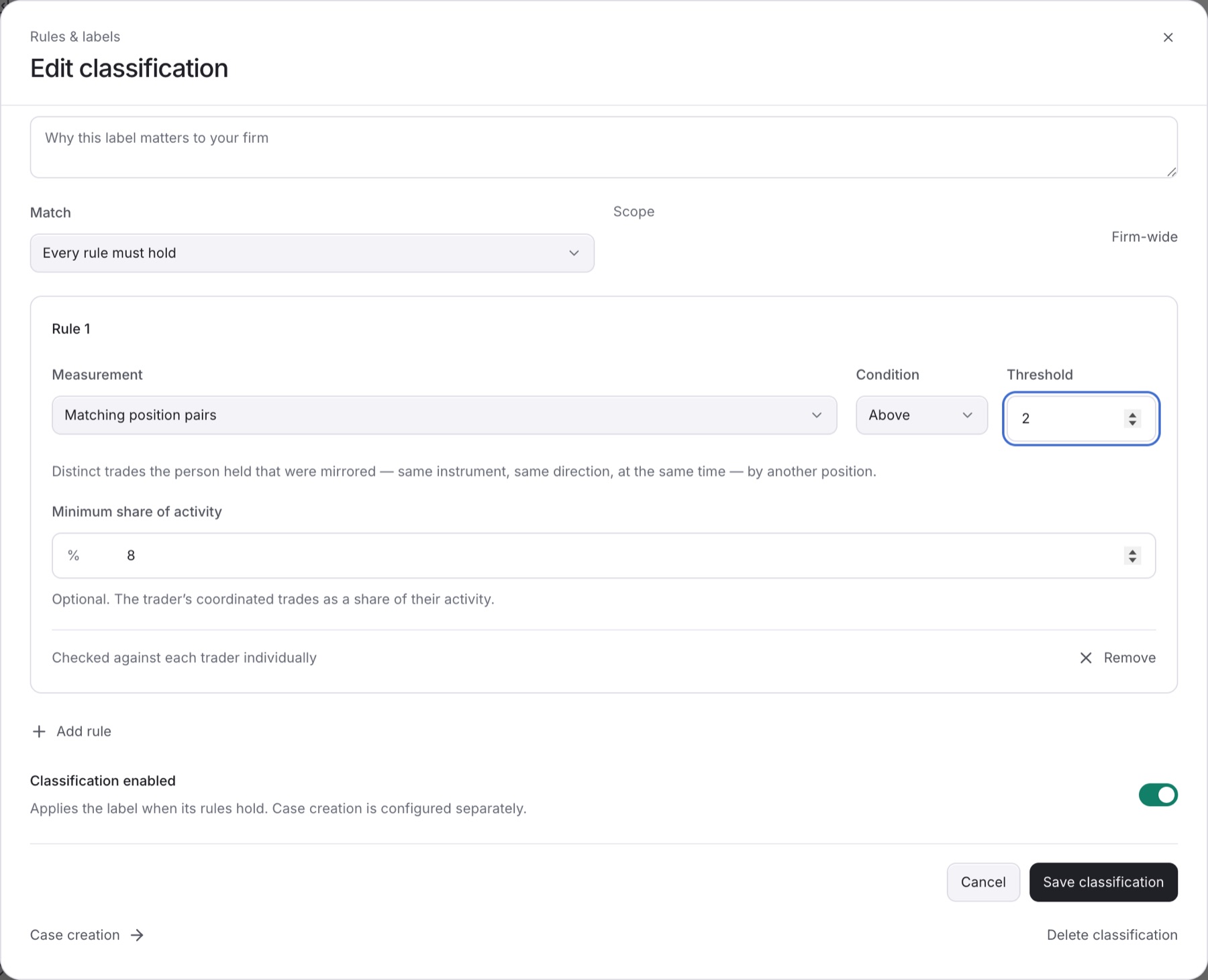
Result: You see Classification saved. The new threshold applies to future evaluations.
Tip: You can also open the rules from a detector's page. Under When it becomes a Case, click Edit rules on the classification.
Note: Changing a rule marks your detection setup as changed. If your firm uses the setup checklist, the Review your detection rules step opens again. See Complete the Get set up checklist.