
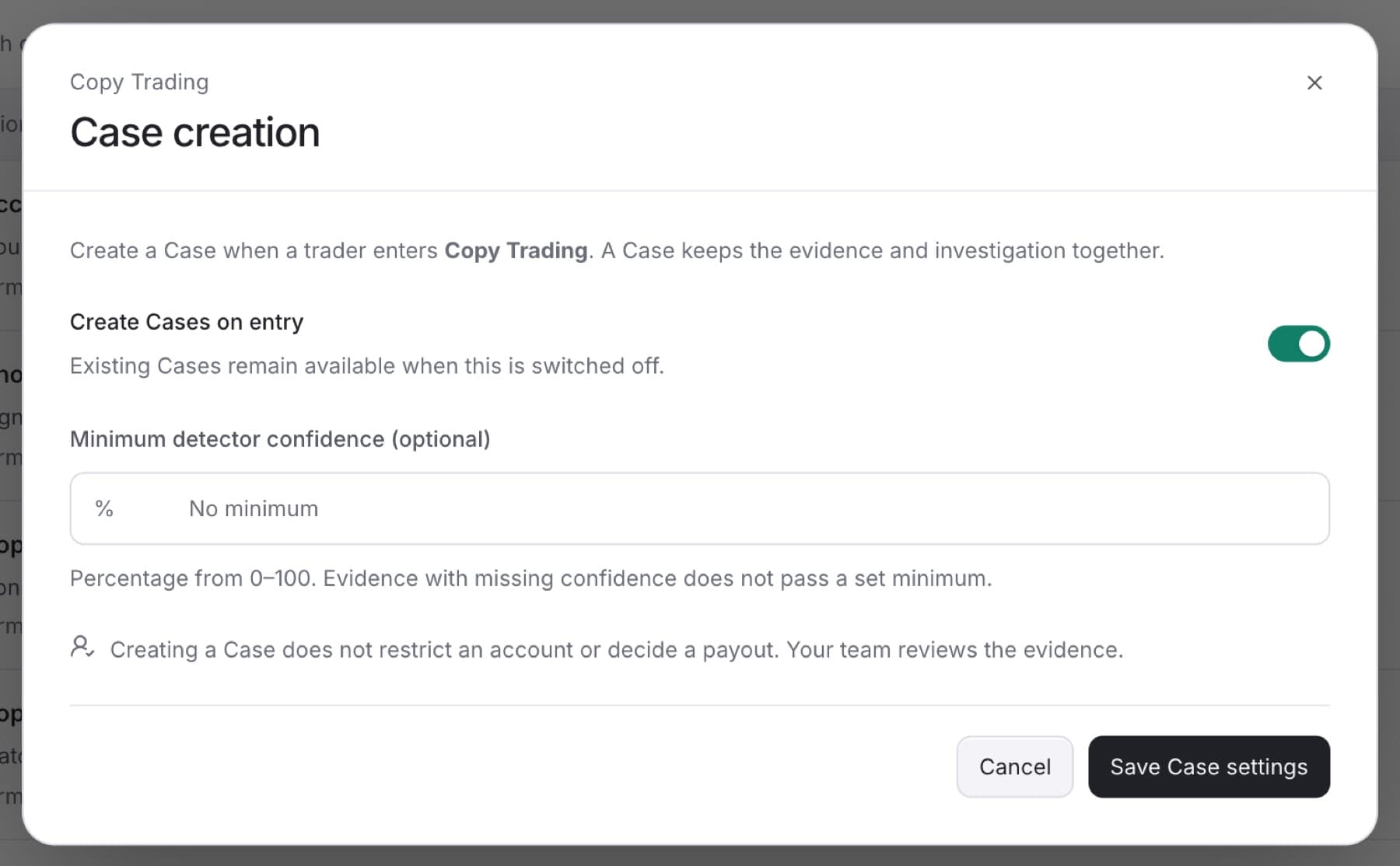
Turn on Case creation so a trader who gets this label also gets a Case in the queue. You need the Owner, Admin or Analyst role.
- Go to
Settings > Detection. - Click the Classifications tab.
- Click the classification.
- At the bottom of the dialog, click Case creation.
- Turn on Create Cases on entry.
- Optional: if Minimum detector confidence (optional) is shown, enter a percentage from 0 to 100. Findings below it do not create a Case.
- Click Save Case settings.
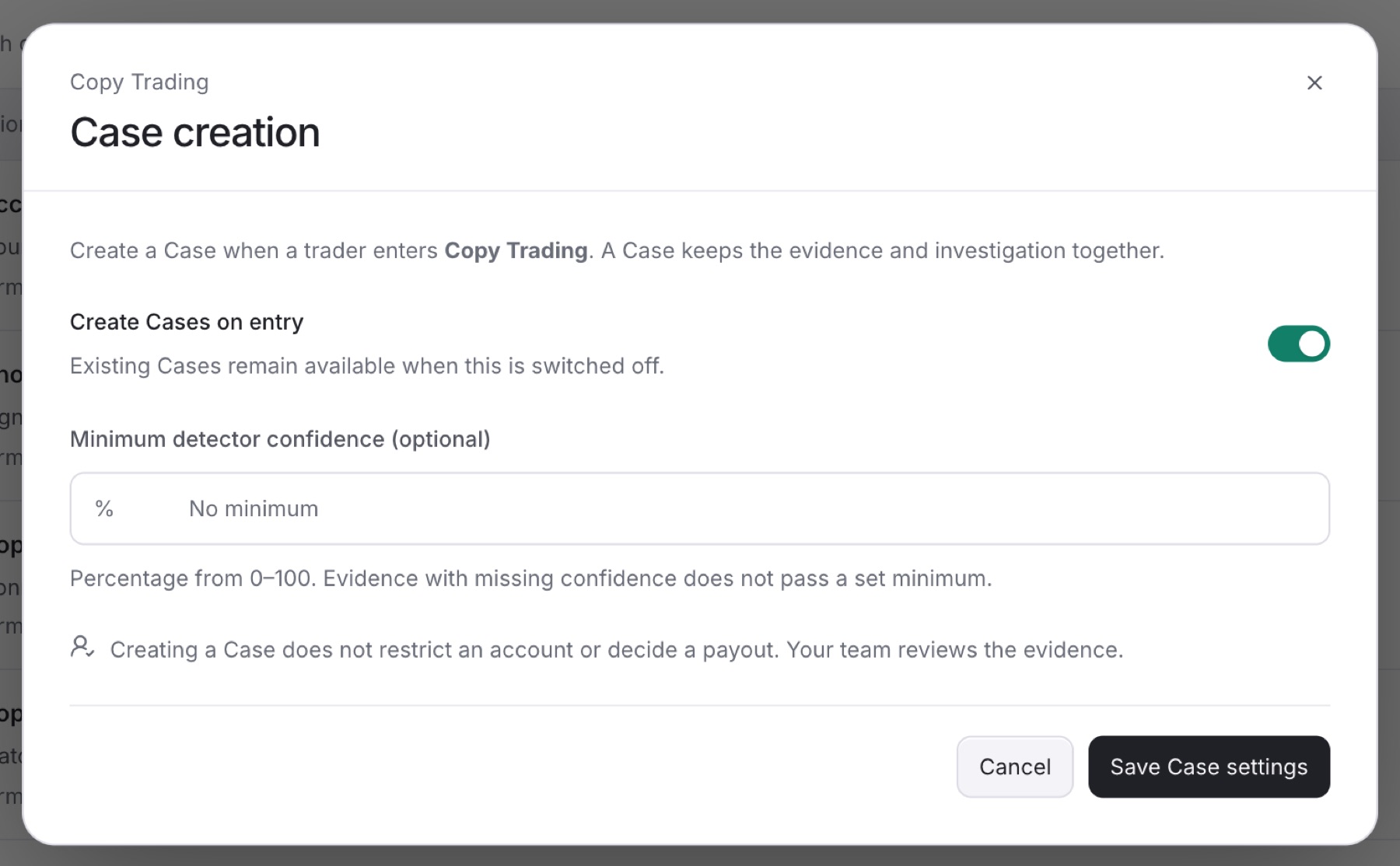
Result: You see Case creation saved. The classification's Case creation column shows On entry.
Tip: You can also open this from a detector's page. Under When it becomes a Case, click Configure on the classification.
To stop new Cases, turn Create Cases on entry off. Existing Cases stay in the queue.