
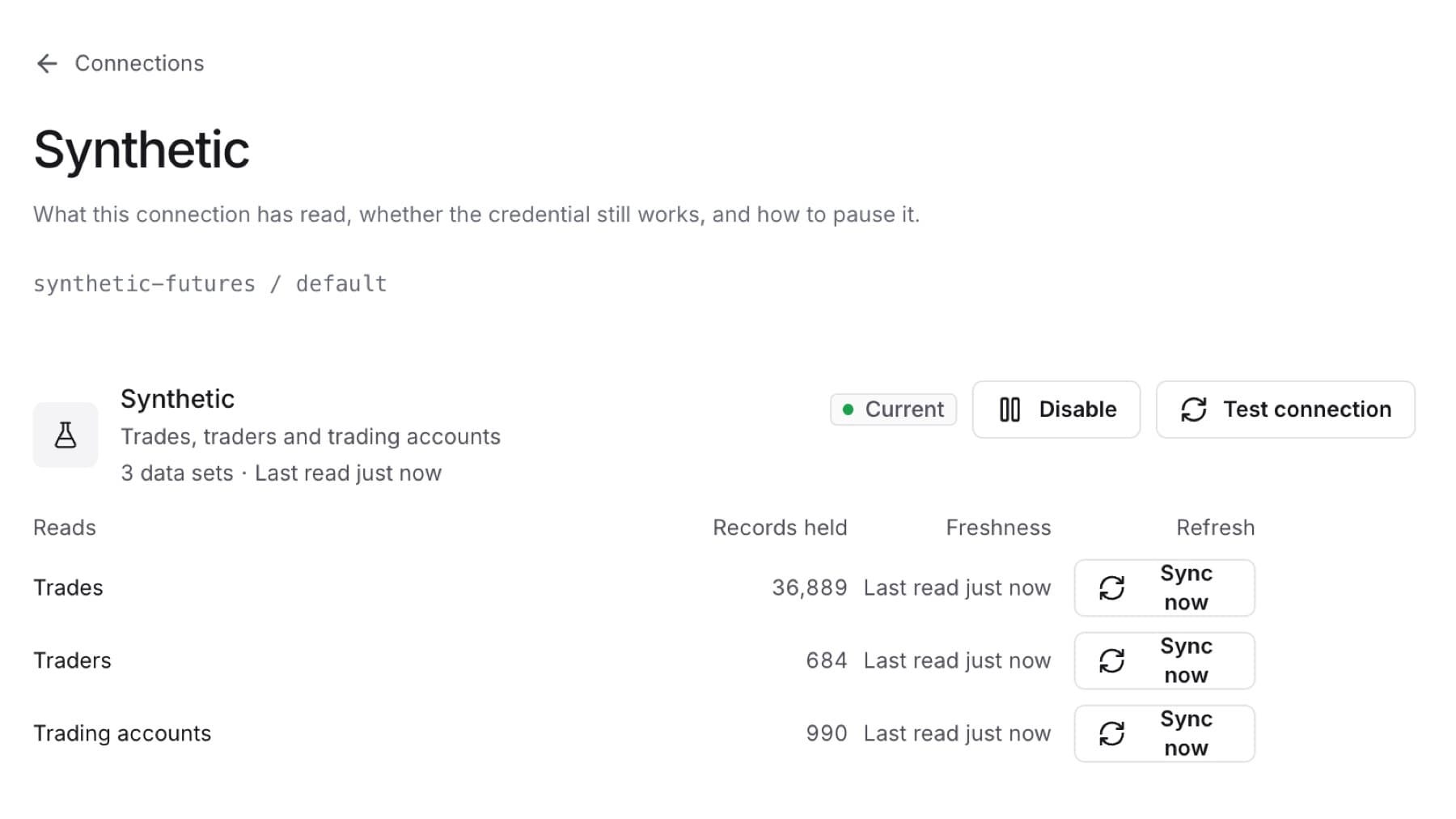
Pause a connection to stop new data without losing what is stored. Delete it when you no longer need it. You need the Owner or Admin role.
To pause a connection:
- Select Settings, then select Connections.
- Select the connection.
- Select Disable.
Result: The connection shows Paused. Its stored records stay available in reports.
To resume a paused connection:
- Open the connection.
- Select Enable.
Result: Collection starts again and the status returns to Current after the next successful read.
To delete a connection:
- Open the connection.
- If it is still running, select Disable first. Delete is offered only on a paused connection.
- Select Delete.
- Select Delete again to confirm. To cancel, select Keep.
Result: The connection leaves the list. Its sync history is kept.