
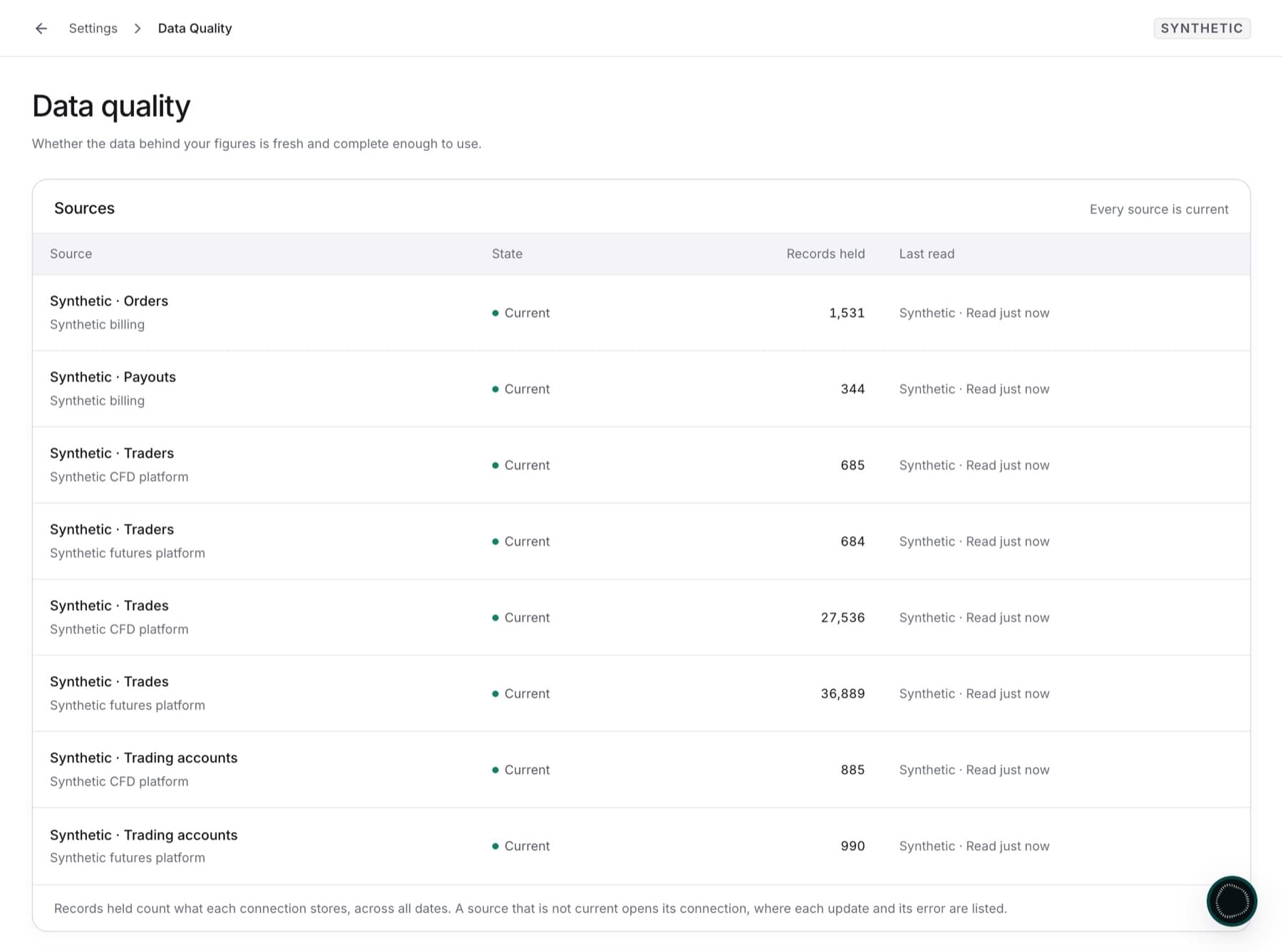
Check that the data behind your figures is fresh and complete before you rely on a number. Any role can open this page.
- Select Settings.
- Under WORKSPACE, select Data quality.
- In Sources, find the connection you want to check.
- Read its status:
- Current: the last update finished. Figures from this source are up to date.
- Still moving: an update is in progress. Check again when it ends.
- May be understated: part of the last update could not be read.
- May be out of date: the last update did not finish, or nothing was read in the last two days.
- Not read yet: nothing has been read from this source yet.
- Paused: the connection is paused, so nothing new is read.
- If the status is May be understated or May be out of date, select the row. The connection opens, with its run history and the error text.
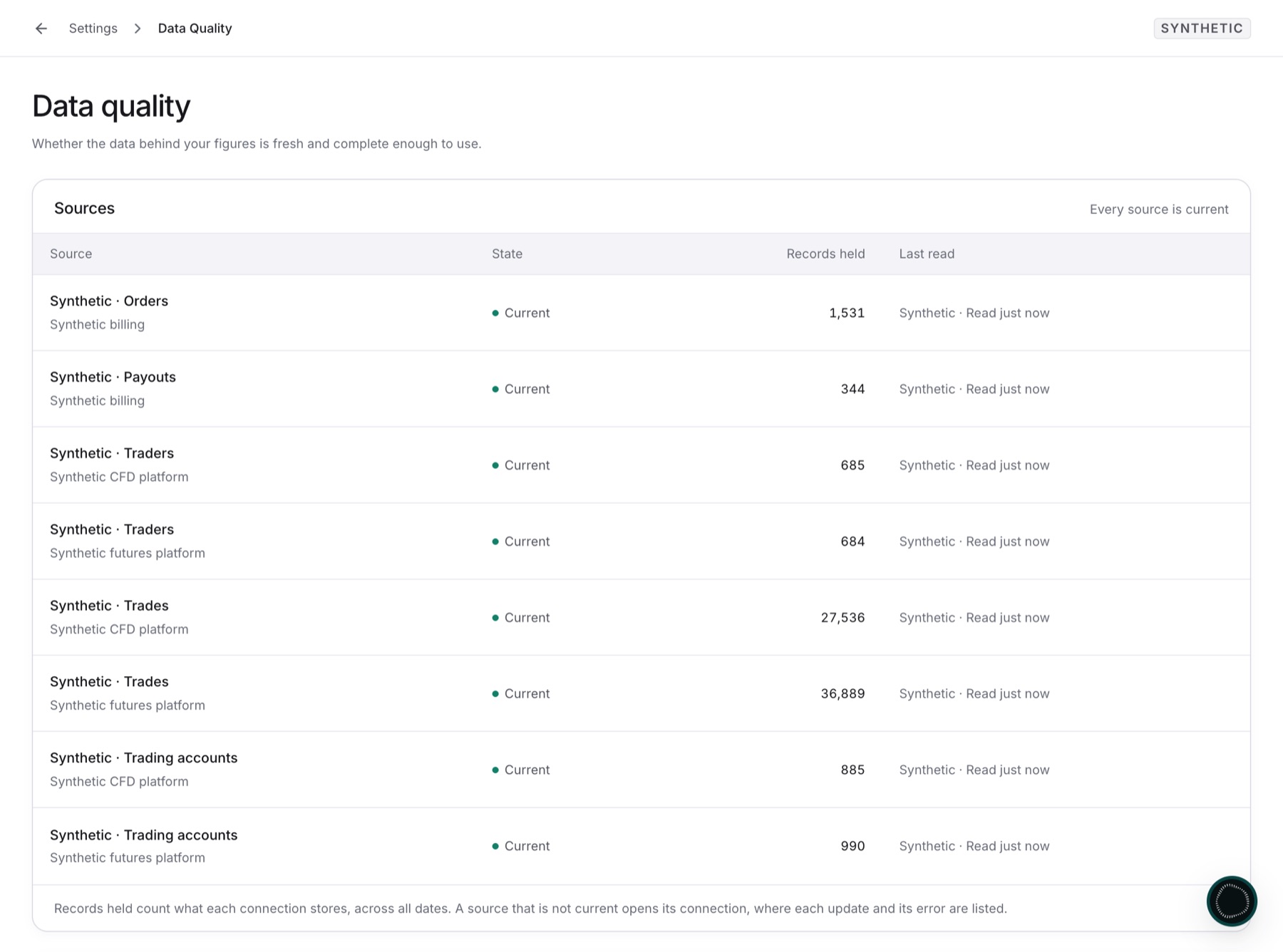
Result: You know which sources are current. Under How the Overview's figures are computed, you can also see how each Overview figure is calculated and which period it covers.
Tip: To fix a source that is not current, see Fix a connection that needs attention.