
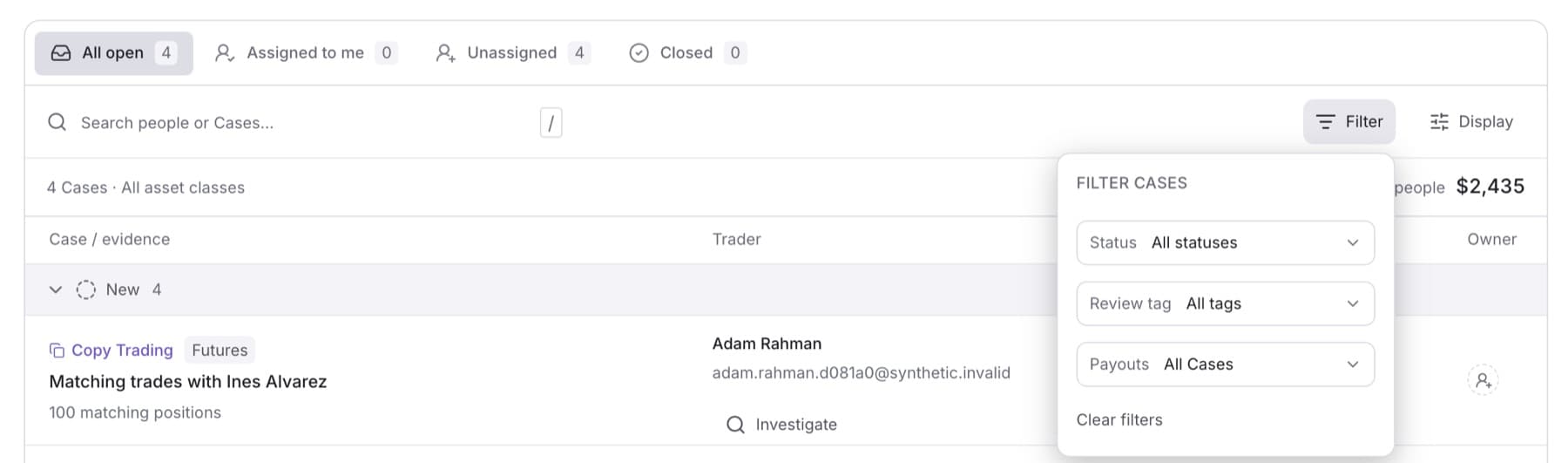
Filter the queue to see only the Cases you need, for example open Cases where the trader is waiting for a payout. Any member of the workspace can do this.
- In the sidebar, under RISK, click Cases.
- Click a tab: All open, Assigned to me, Unassigned or Closed.
- Click Filter.
- Choose a Status, for example Investigating.
- Choose a Review tag to show only one kind of finding.
- Under Payouts, choose With pending requests to show only traders with a pending payout request.
Tip: While a filter is on, the button reads Filter · Active. Click Clear filters to remove all filters.
- To search, type a name, email or Case title in Search people or Cases…. Press / to jump to the search box.
- To change grouping or order, click Display, then choose Group by (Status, Review focus, Assignee or No grouping) and Order by (Attention, Case exposure, Pending requested or Name).
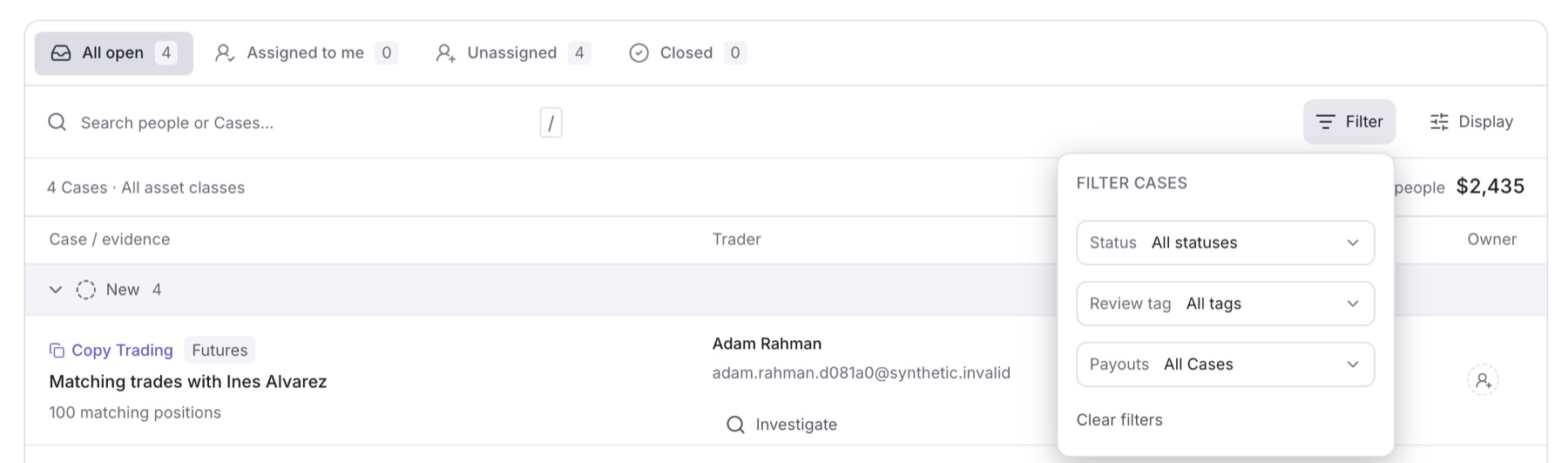
Result: The list and the count line above it show only the matching Cases. If nothing matches, you see No Cases in this view.