
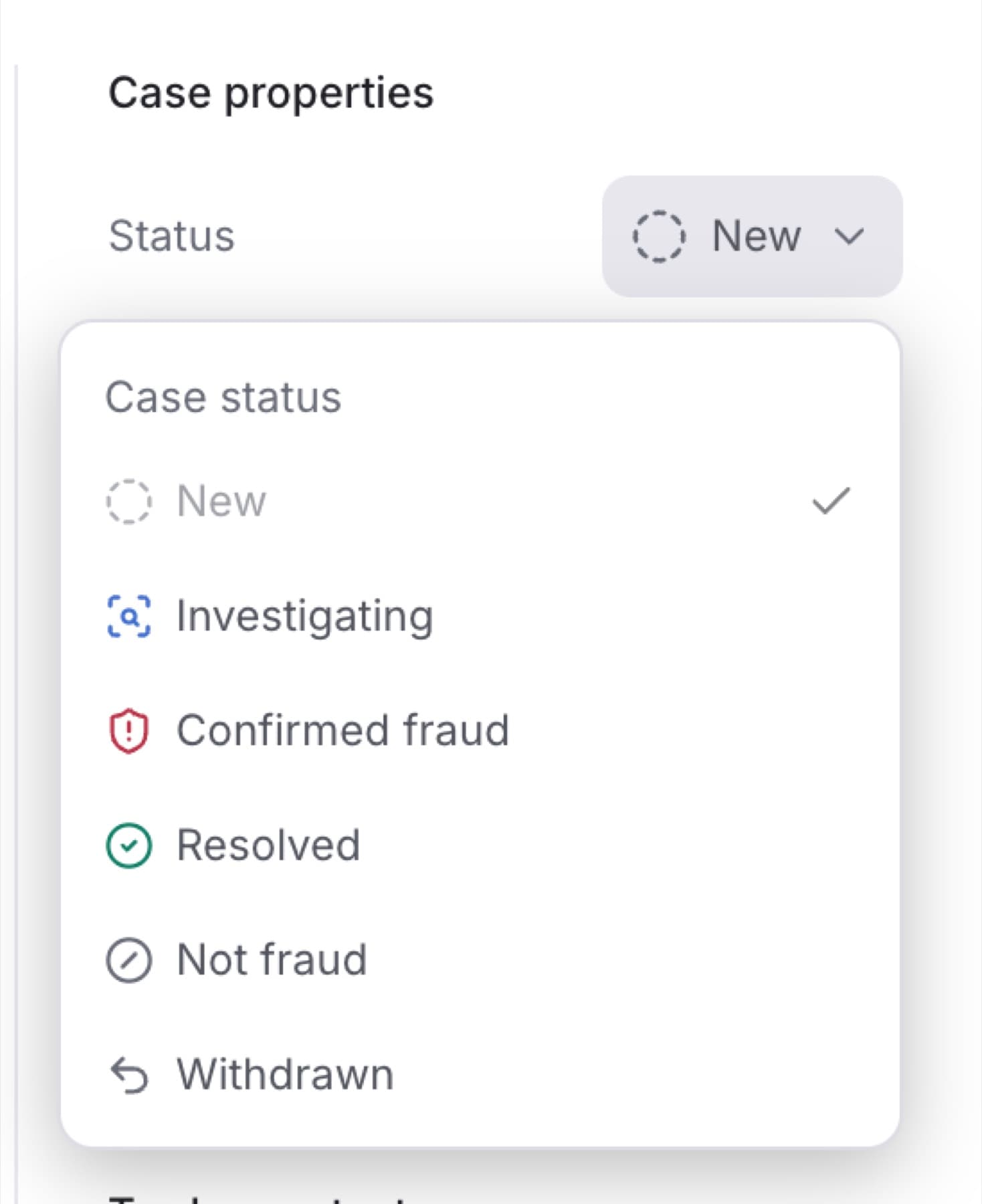
Change a Case's status as your investigation moves forward. You need the Owner, Admin or Analyst role.
- In the sidebar, under RISK, click Cases.
- Click the Case you want to update.
- In Case properties, click the current status next to Status.
- Under Case status, click the new status.
Tip: The menu only lists the moves allowed from the current status. If the status you want is not listed, see Fix a missing Case or a Case you cannot change.
- If a dialog opens, type the reason in the text box. Confirmed fraud, Resolved, Not fraud and Withdrawn all need a reason.
- Click the button at the bottom of the dialog: Confirm fraud, Resolve Case, Mark as not fraud or Withdraw Case.
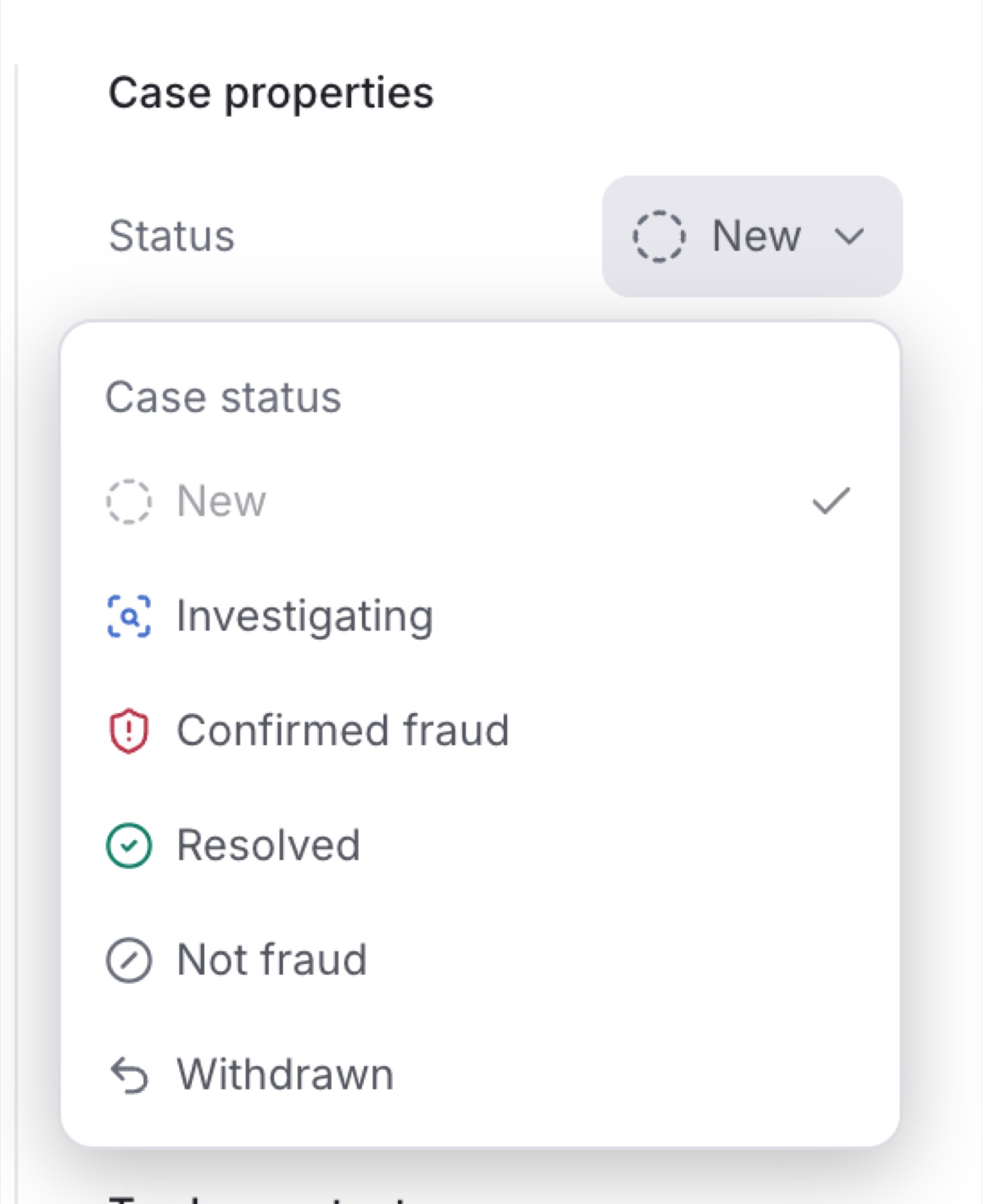
Result: The new status shows next to Status, and the change and your reason are added to Activity. A Case with a closed status moves to the Closed tab.
Note: Changing the status changes the Case only. It does not approve or deny a payout.
You can also change the status from the queue. Click the status in the Status column of the Case's row.