
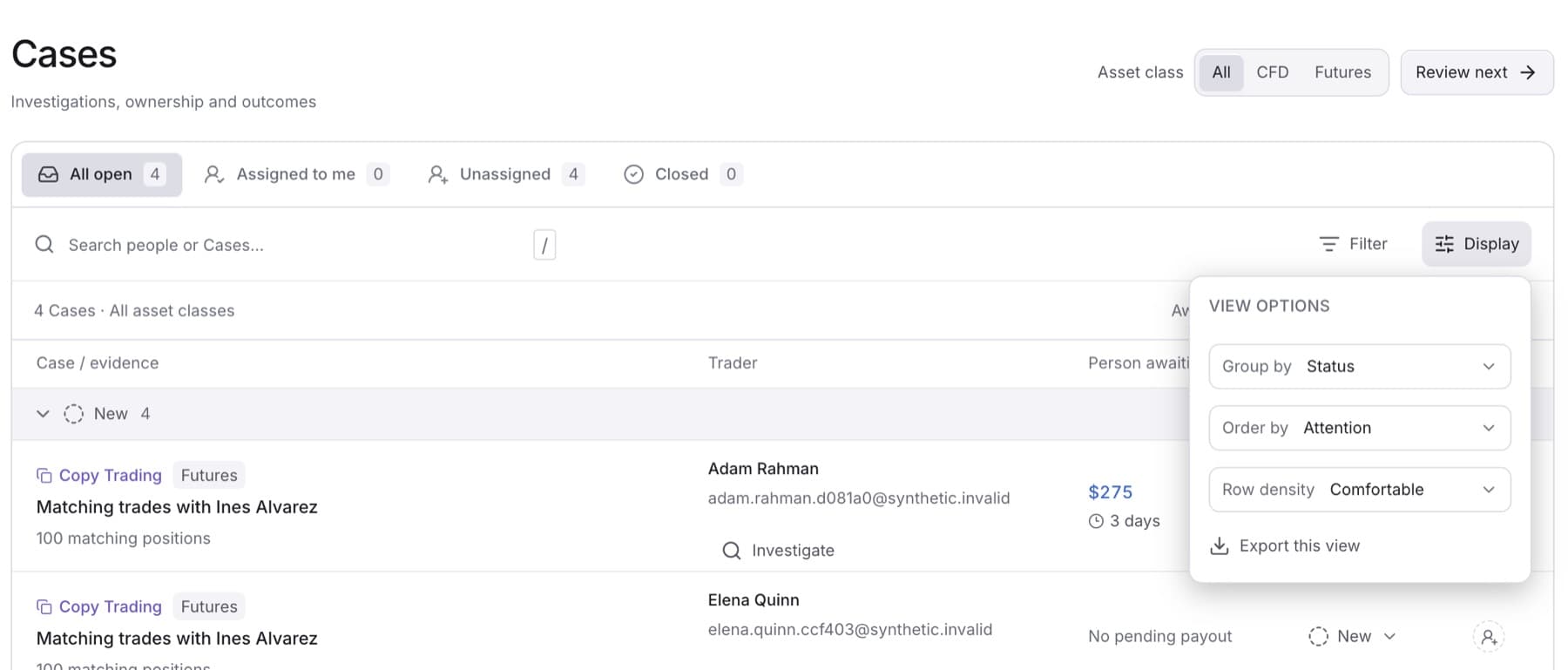
Export the queue to share it or work with it in a spreadsheet. Any member of the workspace can do this.
- In the sidebar, under RISK, click Cases.
- Set the tab, filters and search to show the Cases you want. See Filter the Case queue.
- Click Display.
- Click Export this view.
Result: Your browser downloads quantsentry-cases.csv. It holds every Case in the current view, including Cases on later pages, with these columns: Case, Evidence, Trader, Email, Status, Owner, Person pending requested (USD, gross) and Oldest pending request.