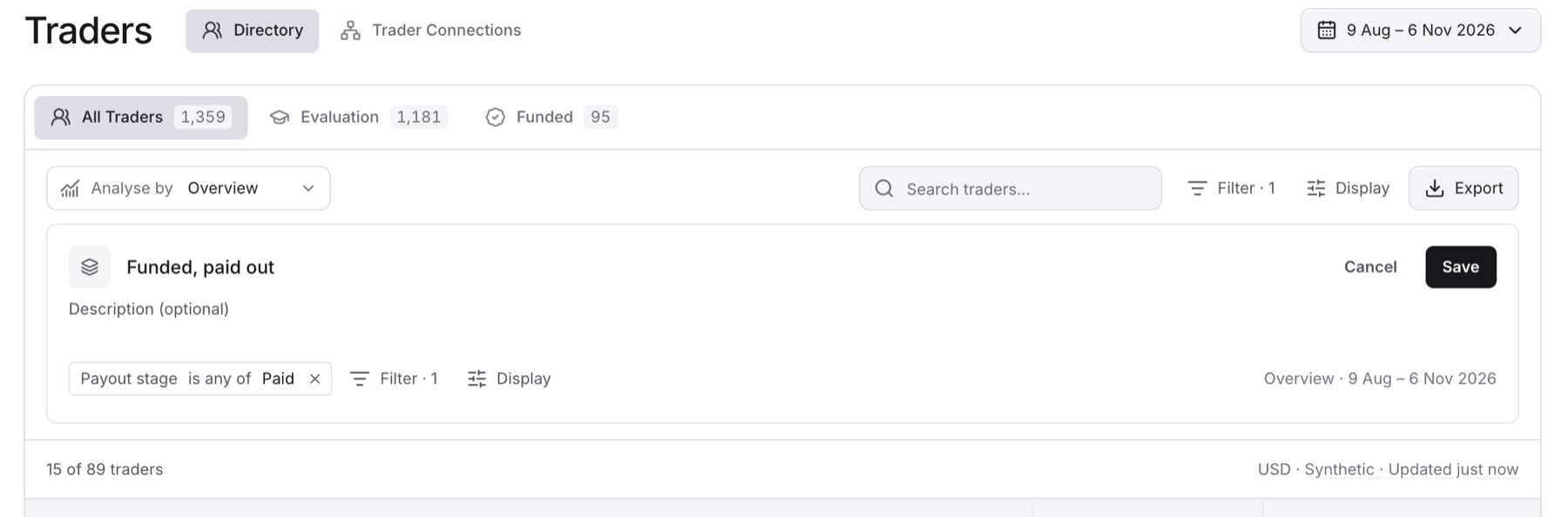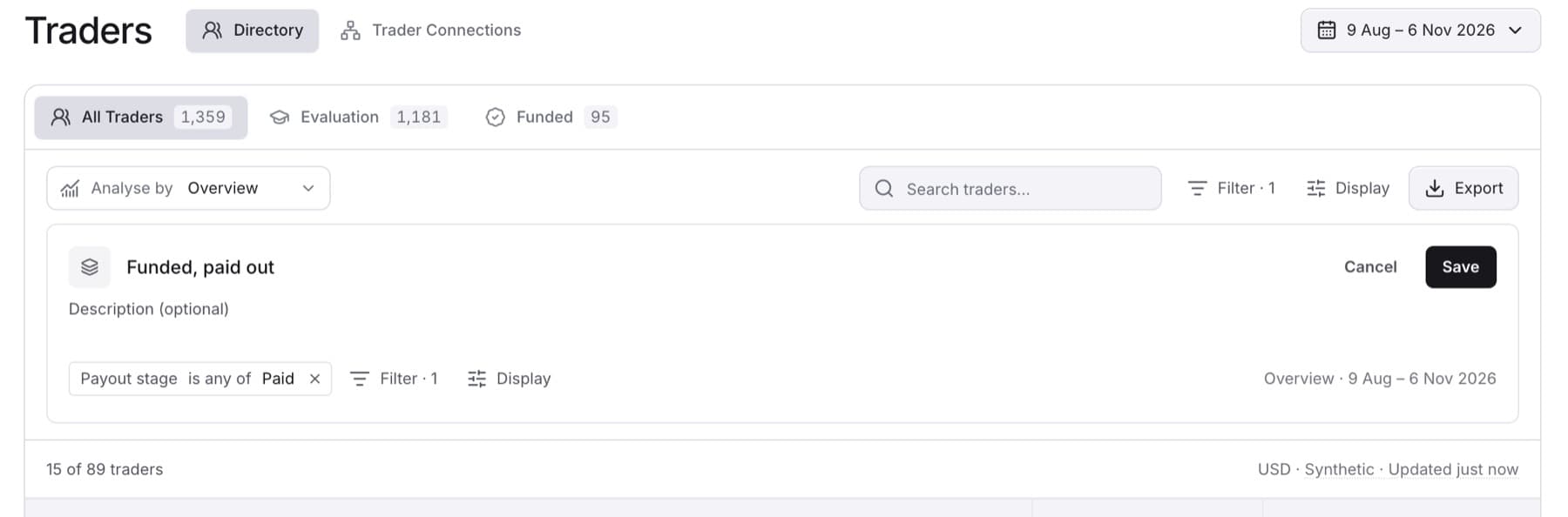
Save a filter you use often, for example funded traders in one country, so you can open it again in one click. You need the Owner role.
- Click Traders in the side menu.
- Click Filter.
- Choose a field, for example Country or Payout stage.
- Select one or more values.
Tip: The Save as view button appears only after at least one filter is applied.
- Click Save as view.
- Type a name in Name this view.
Tip: Use a neutral, descriptive name, for example "Funded, Country A". Do not name a view after a nationality or a group of people.
- (Optional) Type a description in Description (optional).
- Click Save.
Result: The view name shows as the page title, and the view appears in the side menu under Pinned views. Saved views belong to your firm, so other people in your workspace see them too.