
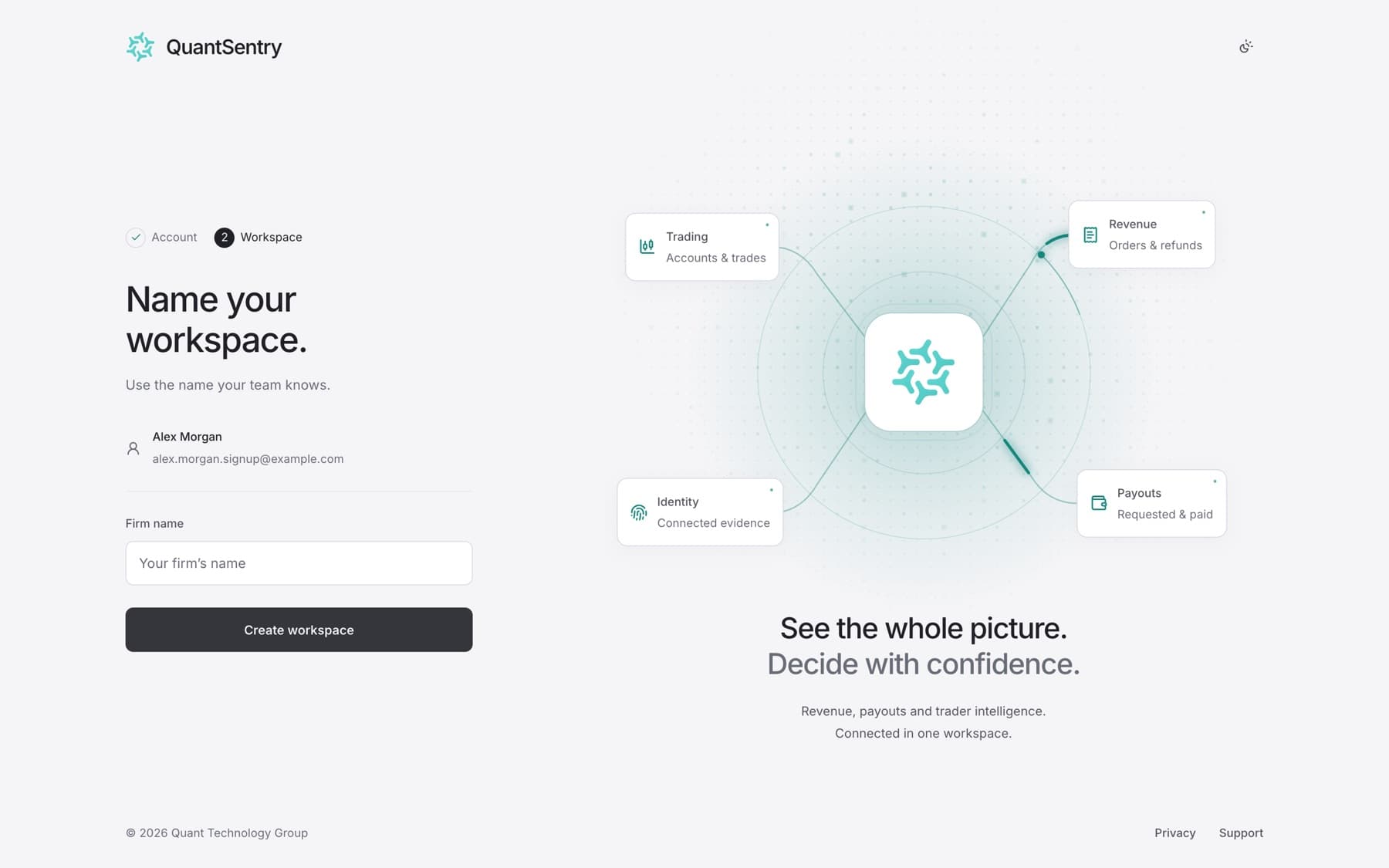
Create an account and a workspace for your firm. Do this only if you are the first person at your firm. If your firm already uses QuantSentry, ask an administrator for an invitation instead.
- Go to the QuantSentry sign-in page.
- Next to Setting up your firm?, select Create workspace.
- Enter Your name, Work email and Choose a password.
Tip: The password needs at least 8 characters.
- Select Continue.
- In Firm name, enter the name your team knows.
- Select Create workspace.
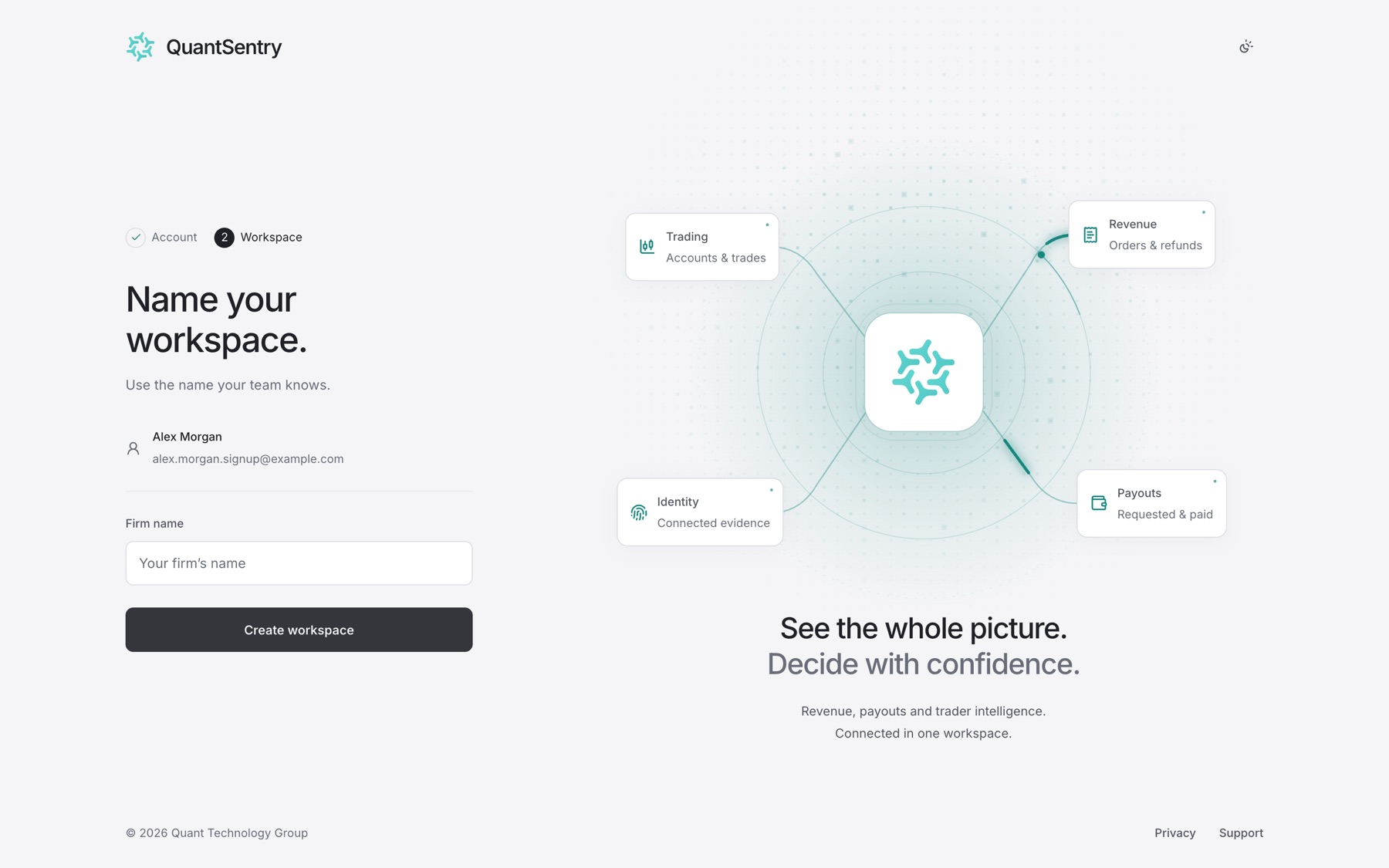
Result: QuantSentry opens your new workspace on the Get set up checklist.
Tip: If you reload the page after step 4, you return to the Name your workspace. step. Your account is already saved.