
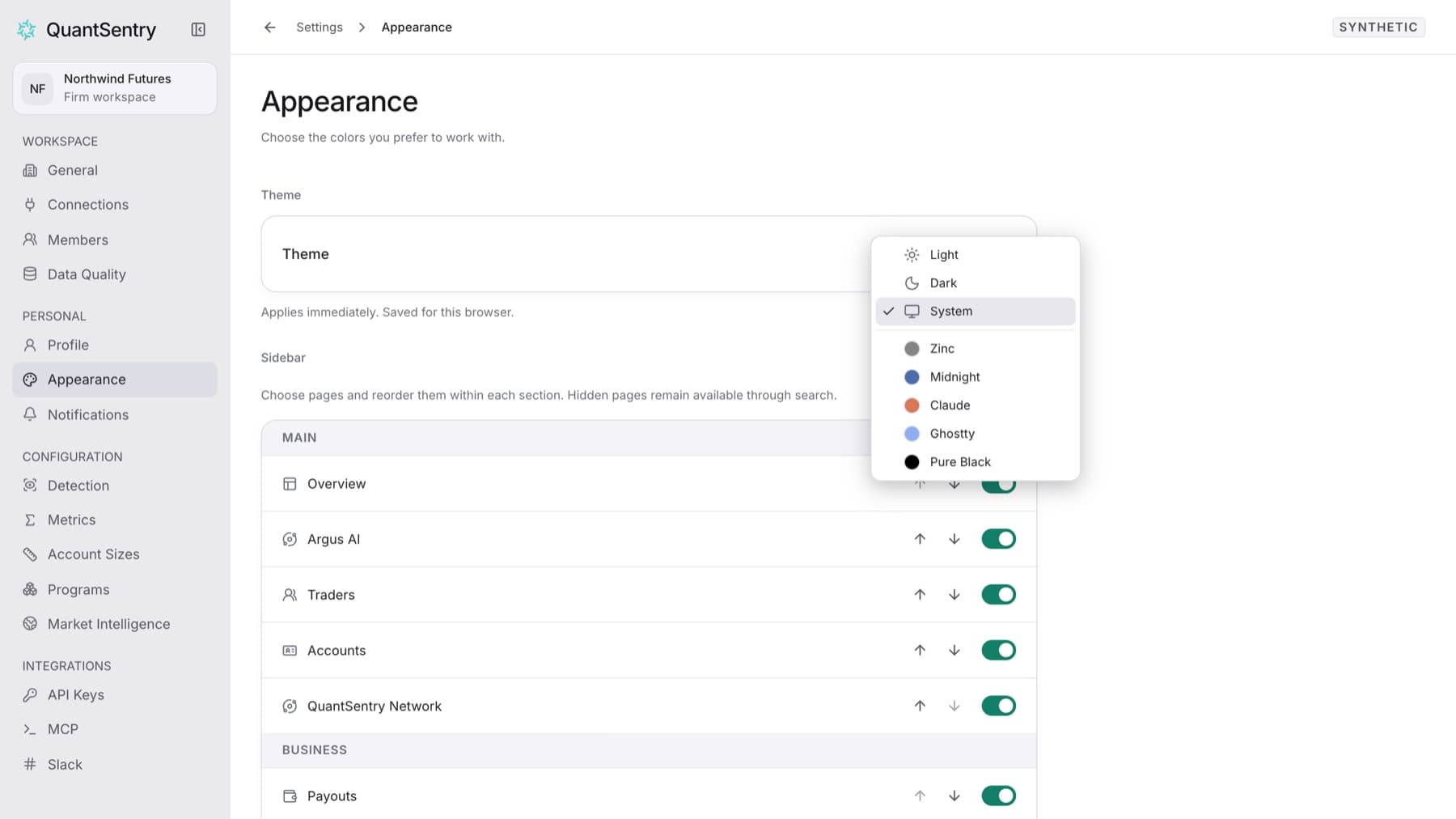
Pick the colors you work with. Any role can do this.
- Select your name at the bottom of the sidebar.
- Select Settings.
- Under PERSONAL, select Appearance.
- Open the Theme menu.
- Select a theme: Light, Dark, System, Zinc, Midnight, Claude, Ghostty or Pure Black.
Tip: System follows your computer's light or dark setting.
Result: The new theme applies immediately.
Tip: The theme is saved for this browser only. On another browser or computer, choose it again.