
Set a new password when you cannot remember the current one. You need access to the mailbox for your work email.
- On the sign-in page, select Forgot password?.
- Enter your Work email.
- Select Request reset link.
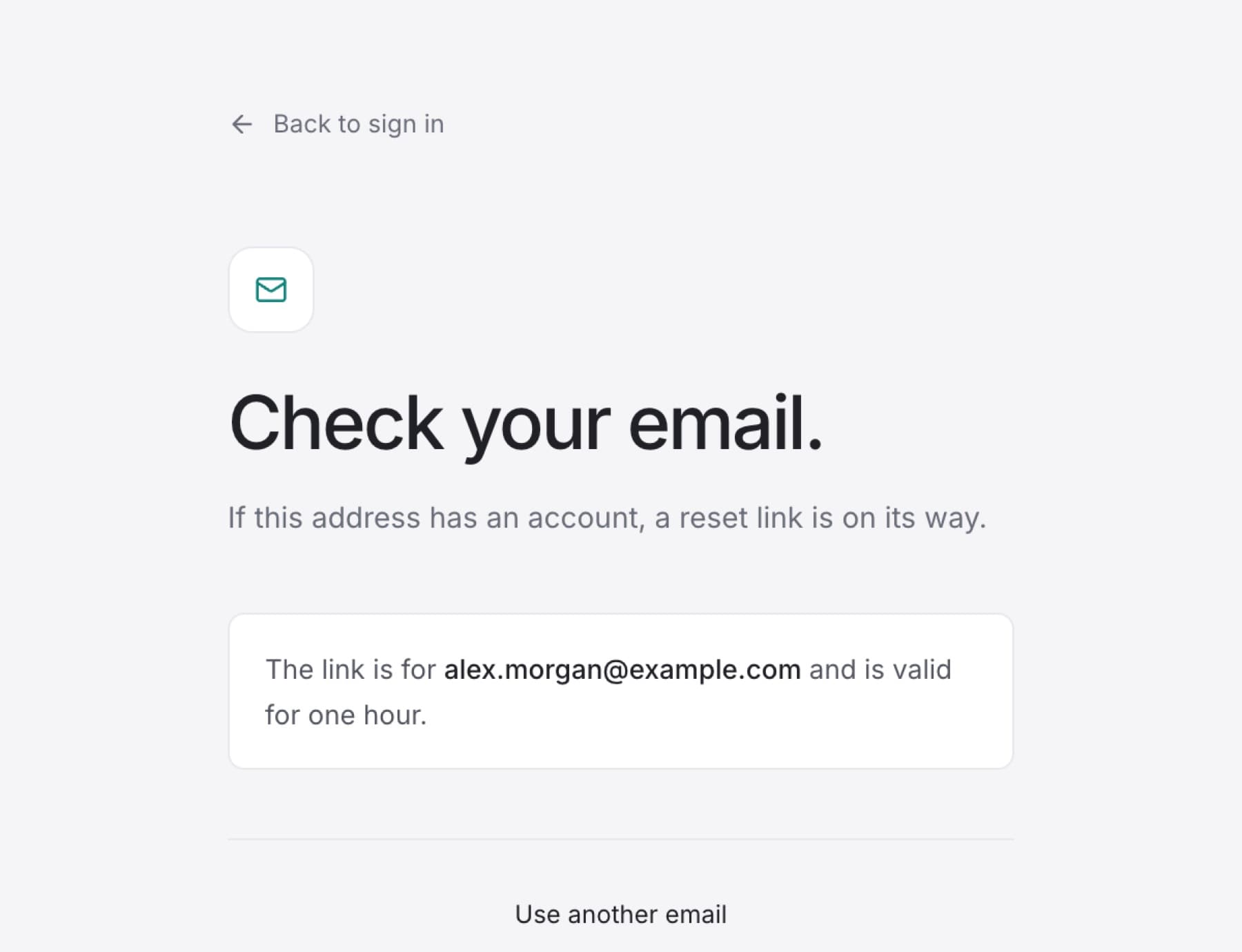
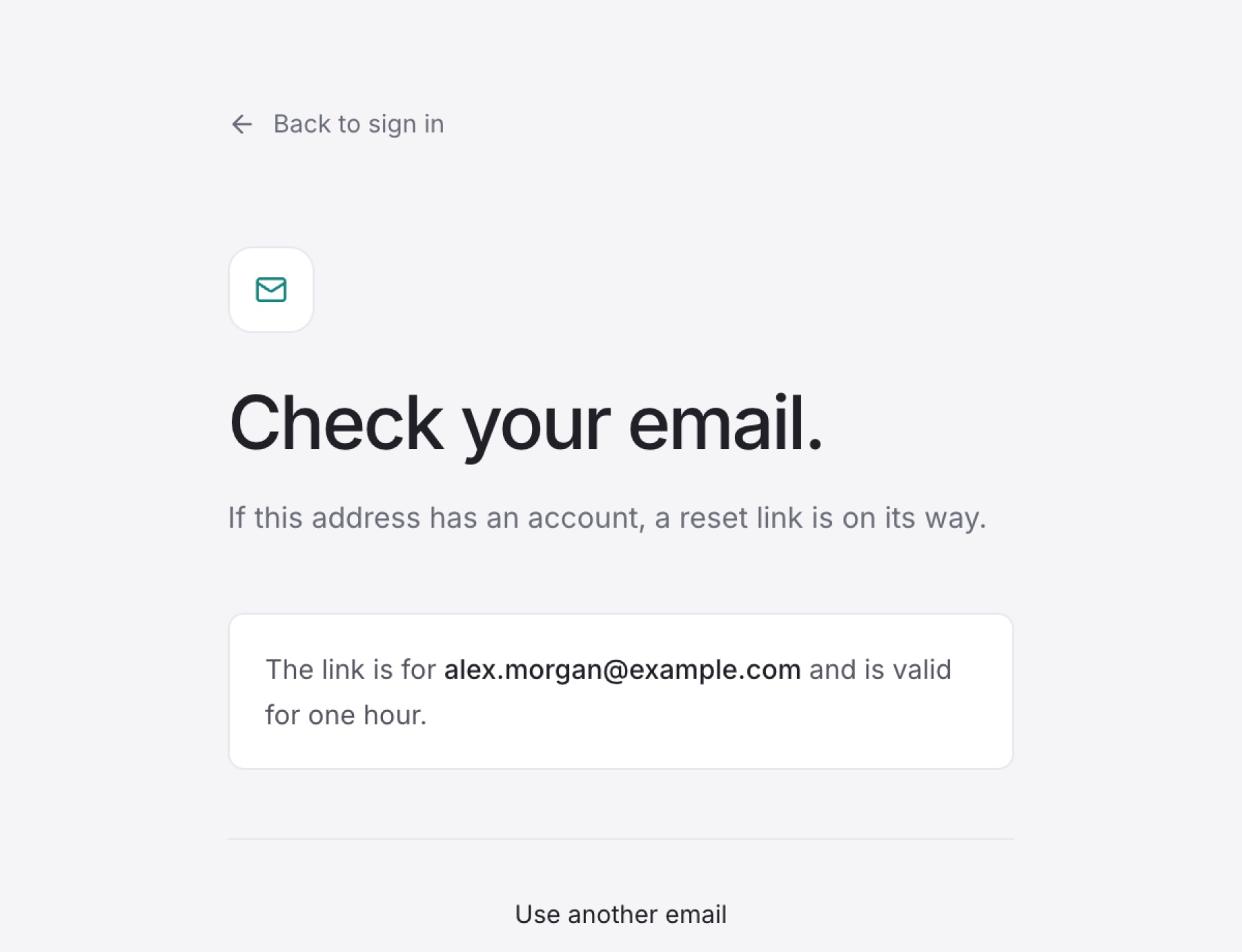
Tip: You see Check your email. whether or not the address has an account. The link is valid for one hour.
- Open the email and select the reset link.
- On Set a new password., enter a new password in Choose a password. Use at least 8 characters.
- Select Save password.
- On Your password is changed., select Back to sign in.
- Sign in with your new password.
Result: You are signed in with the new password. A reset also signs you out on other browsers.
Tip: If you typed the wrong address, select Use another email on the Check your email. screen.
If you know your current password and only want to change it, use Change your password instead.