
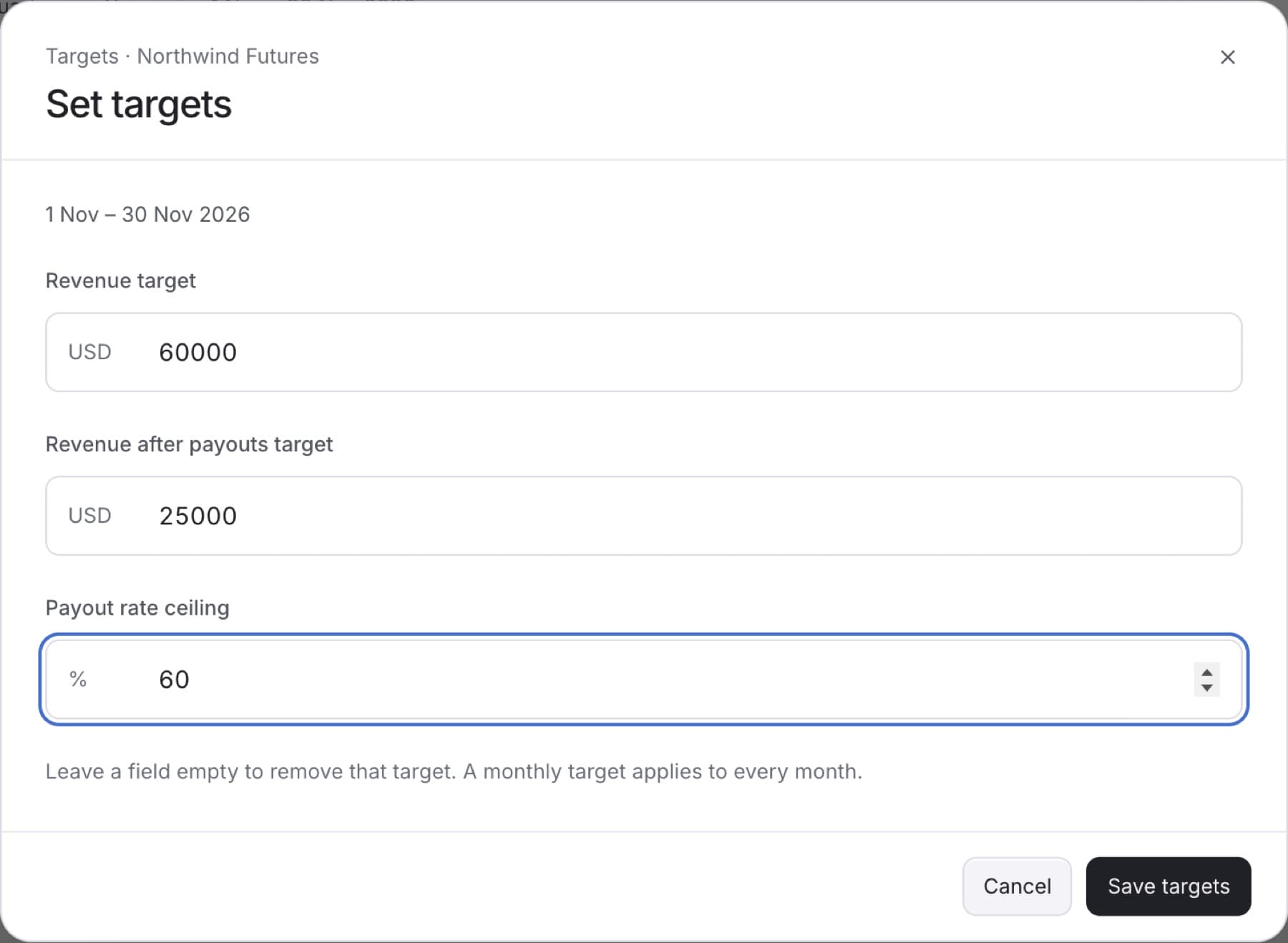
Set the goals your firm tracks on the Targets page. You need the Owner role.
- In the sidebar, select Targets.
- Select the period the targets are for: Month, Quarter or Year.
Tip: A target applies to every period of that type. A monthly target applies to every month.
- Select Set targets. If targets already exist, the button reads Edit targets.
- In Revenue target, enter the amount.
- In Revenue after payouts target, enter the amount.
- In Payout rate ceiling, enter the highest payout rate you accept, as a percentage.
Tip: Leave a field empty if you do not want a target for that measure. You do not have to fill all three.
- Select Save targets.
Result: A message such as Monthly targets saved appears. Each card now shows a status, for example On track or Within ceiling.
If you see Enter each target as a number, or leave it empty to remove it., remove any letters or symbols from the fields and save again.