
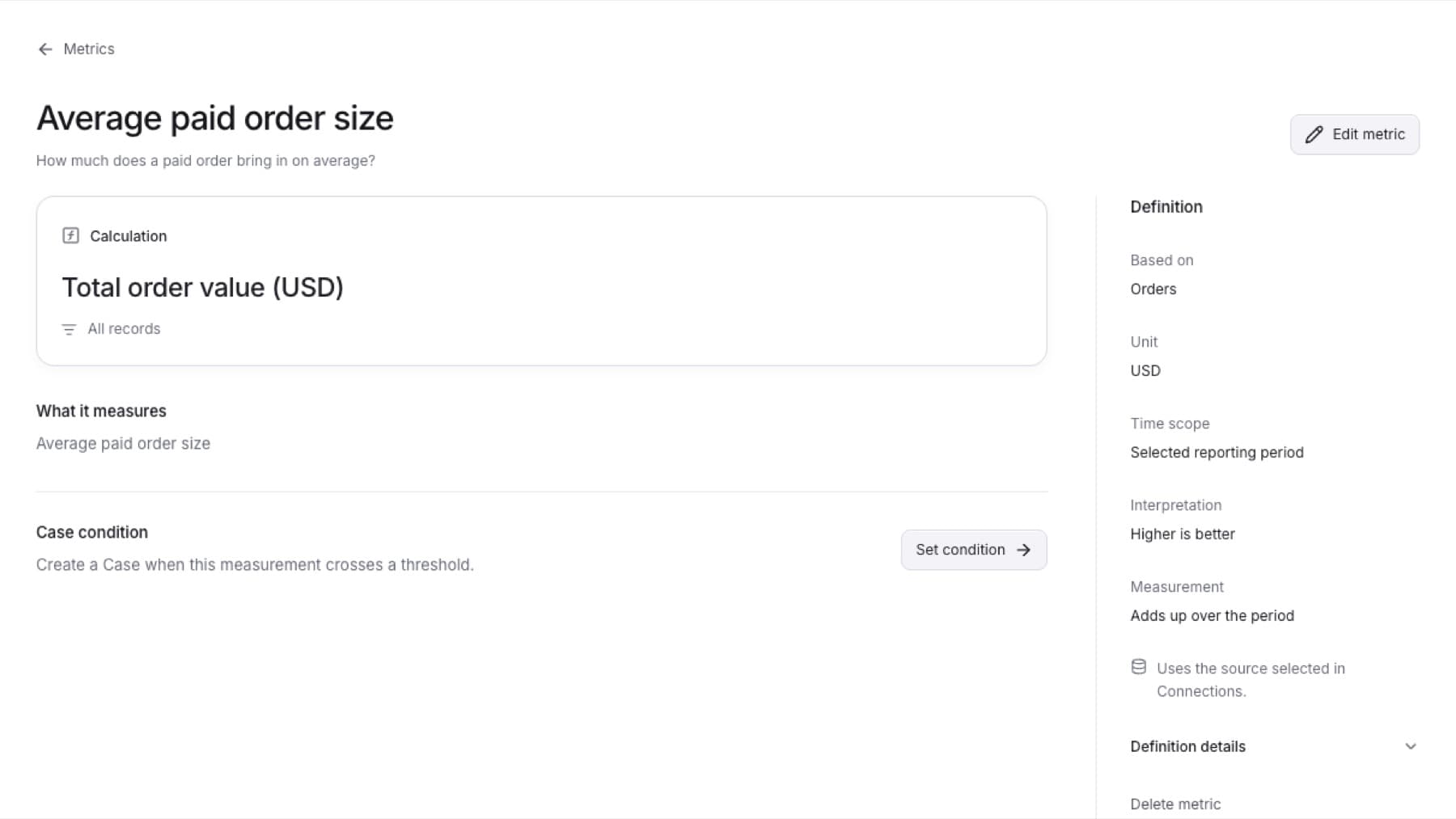
Change or delete a metric your firm defined. You need the Owner, Admin or Analyst role. QuantSentry metrics cannot be edited or deleted.
To edit a metric:
- Select Settings, then under CONFIGURATION select Metrics.
- Select Your metrics.
- Select the metric.
- Select Edit metric.
- Change the fields you need, then select Review definition.
- Select Save metric.
Result: The message Metric saved. appears and the metric page shows the new definition.
To delete a metric:
- Open the metric from Your metrics.
- Select Delete metric.
- In the dialog, select Delete metric again to confirm.
Tip: A metric used in another metric or in a Case condition cannot be deleted. Remove it from the other metric, or turn off the condition, first.
Result: The message Metric deleted. appears and the metric leaves Your metrics.