
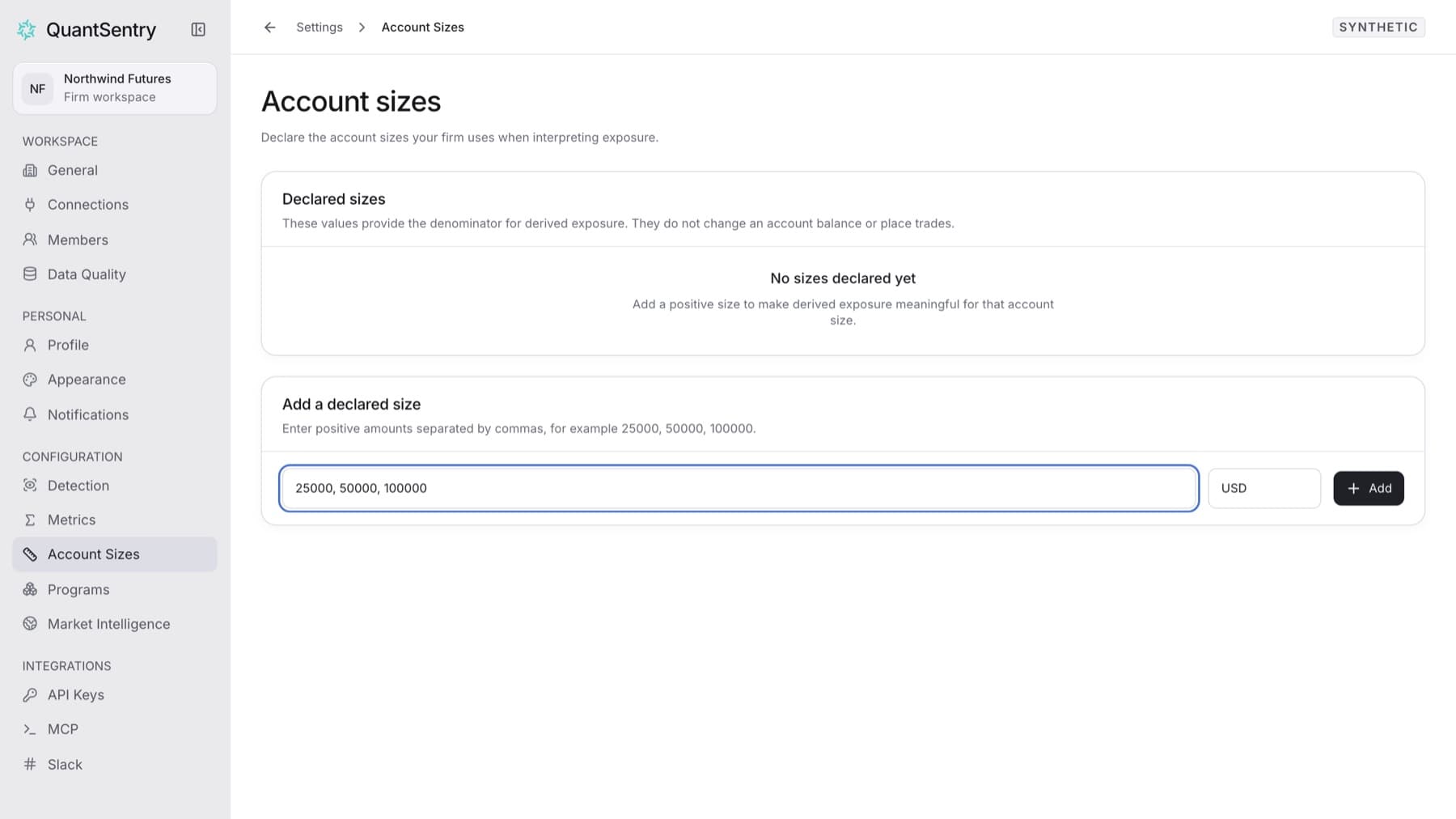
Tell QuantSentry which account sizes your firm sells. You need the Owner role.
- Select Settings, then under CONFIGURATION select Account Sizes.
- In Add a declared size, enter one or more amounts separated by commas, for example
25000, 50000, 100000. - Check the currency next to the amounts. It is
USDby default. - Select Add.
Result: The sizes appear in the Declared sizes list.
To correct a size:
- In Declared sizes, change the Amount or Currency.
- Select Save changes.
To remove a size: select the remove button on its row (Remove declared size followed by the amount).
If you see Enter a positive declared size., an amount is zero, negative or not a number. Correct it and try again.